
Speechbox / Live
Clips During Your Event
How we cut clips from your stage while the event is still running, and what we need from your crew.
Start here
What happens on the day
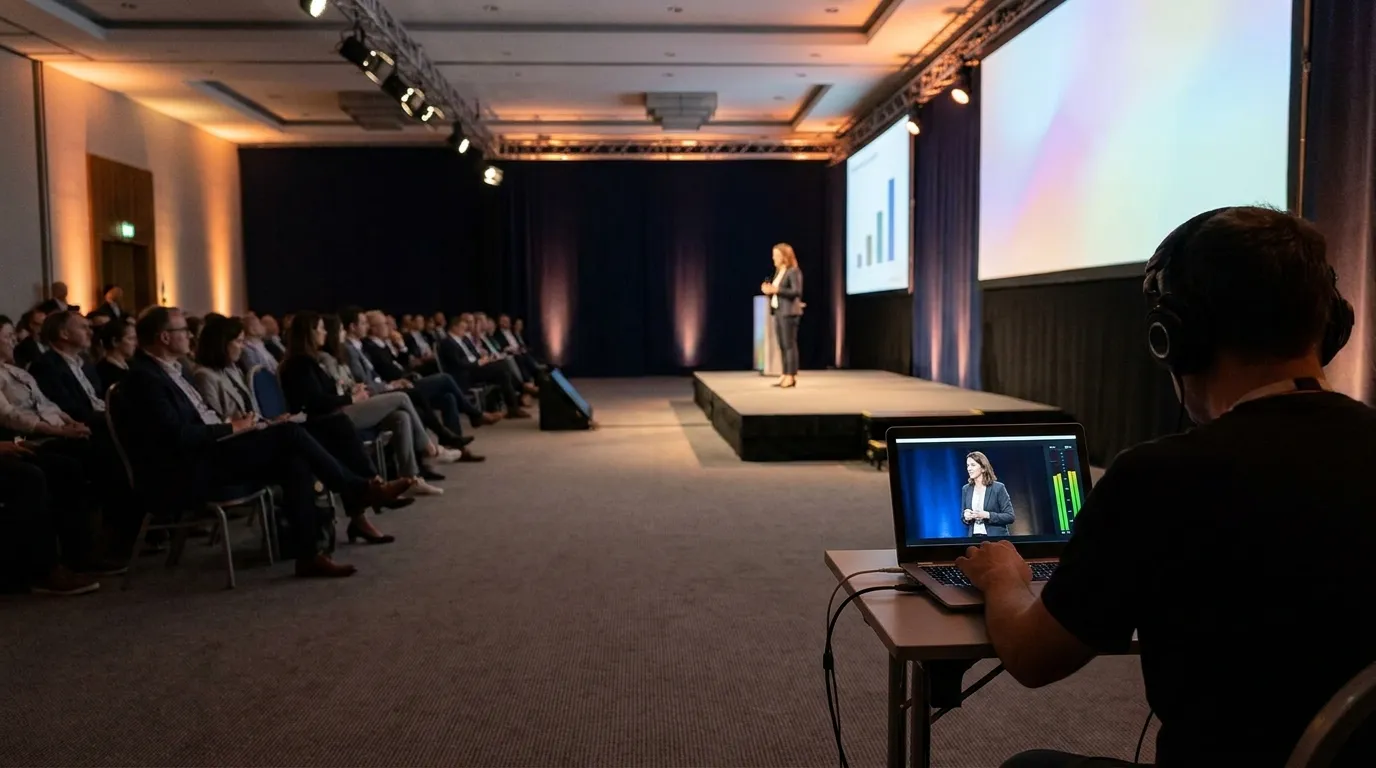
Your crew streams the stage to us. Our operator watches it live and marks every moment worth sharing. Those moments reach us while the event is still running, and become clips, quote cards and posts for you.
A stream from the stage
An unlisted YouTube Live stream, or a direct feed to our server.
Part one compares the two.
Nothing is lost
With a direct feed, the whole stream is also recorded on our server, so a moment we miss can still be cut afterwards.
More in part three.
Part one
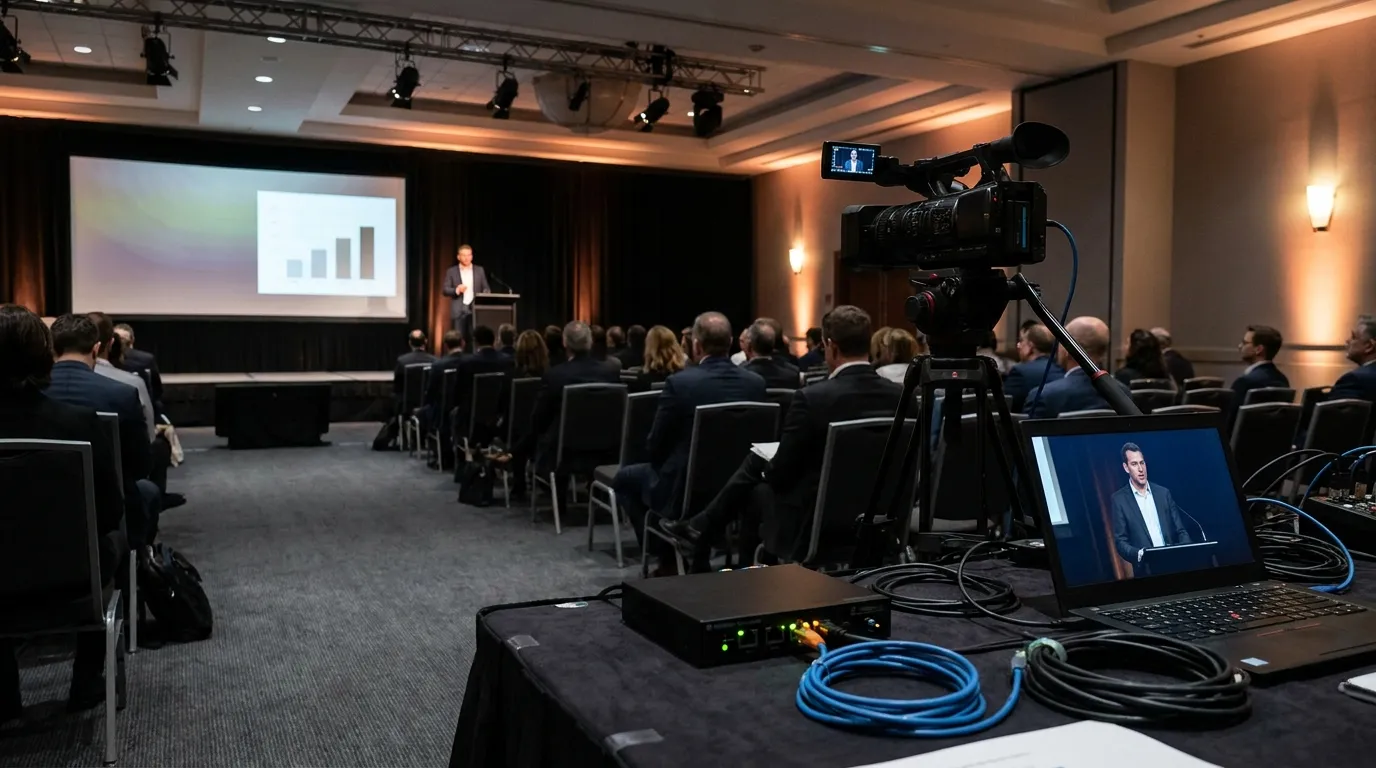
Two ways to send us the stage
Your crew already streams. The only question is where to.
| YouTube Live (unlisted) | Direct feed (SRT) | |
|---|---|---|
| What your crew does | Streams unlisted to YouTube, usually from OBS | Streams to an address we give them, in H.264 |
| Best for | Transcripts, articles, quote cards and widescreen clips the same day | All of that, plus vertical clips and speaker kits at full quality |
| A moment we missed | The start of a clip can be moved back, up to an hour | We go back through the full recording and cut it after the fact |
| Picture | YouTube compresses live video, and vertical crops show it most | The stream's original quality |
Tell us what your crew already uses, and we set it up with them before the event.
Part two
What our operator does
One person, one screen, for the whole event.
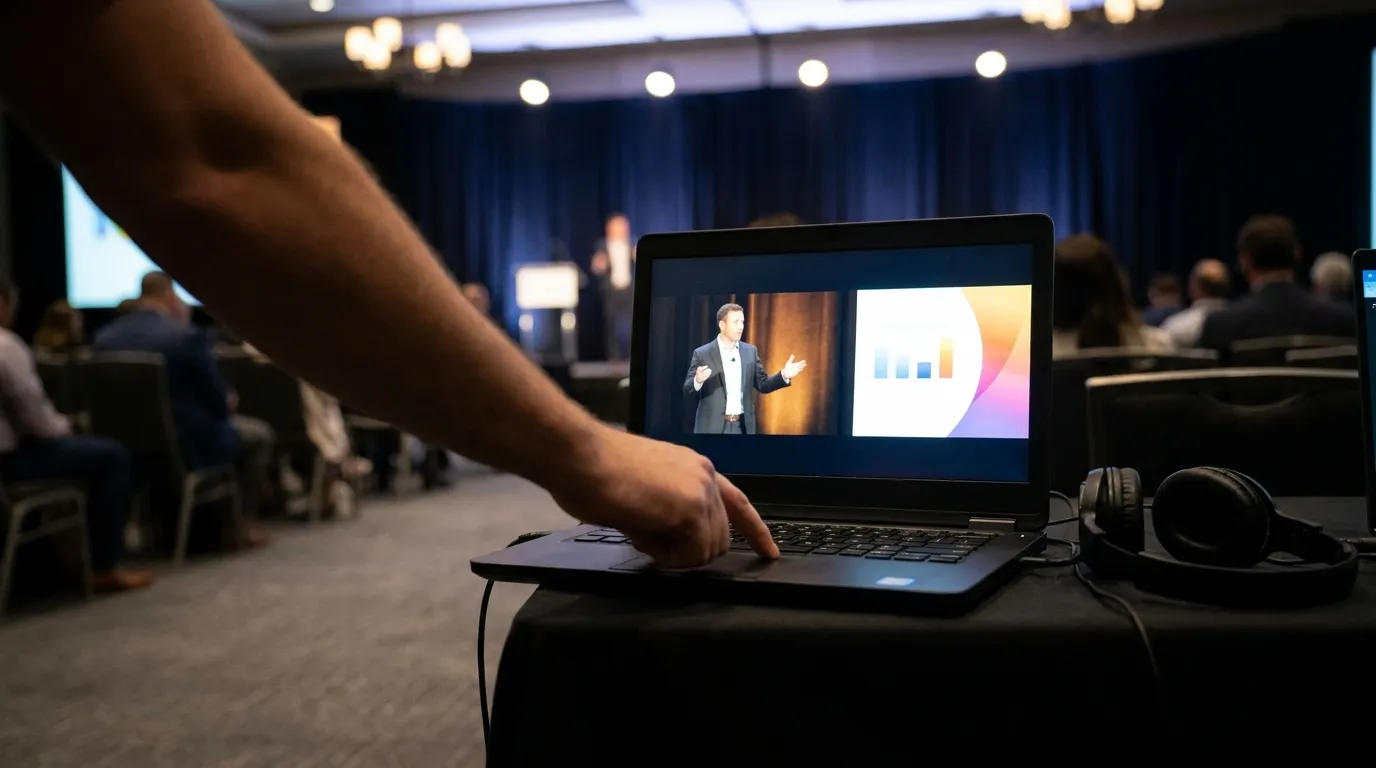
Watches the stage
The operator watches the stream and hears what is said.
Marks the moment
Presses IN when a moment starts and OUT when it ends.
The clip is on its way
When the operator presses OUT, the clip is saved and goes to transcription and processing, right away or once we match it to its session. That is where the clips, quote cards and posts come from.
Look back
With a direct feed: missed the start? The operator goes back through the recording and cuts the moment after the fact.
Part three
Nothing is lost
With a direct feed, the whole stream is recorded on our server as a backup, and kept for 30 days.
Can still be cut from that recording later, exactly like a clip marked live. One more reason to choose a direct feed. Part one compares the two.
Part four
What we need from you
The stream details
What you agreed with your crew: YouTube Live or a direct feed.
A test stream during setup
A few minutes of streaming before the event starts, to confirm picture and sound arrive.
A wired connection at the stage
Worth confirming with the venue at contracting, not on setup day.
Sound from the desk
A line out from the sound desk into the stream.
The final agenda
With every speaker's full name, job title and company, spelled exactly as they should appear.
How to record the sessions is covered in The Capture Guide, and how to send files after the event in Sending Session Files.