How to Identify Speakers in Video and Audio
Sam
Content Writer, Speechbox
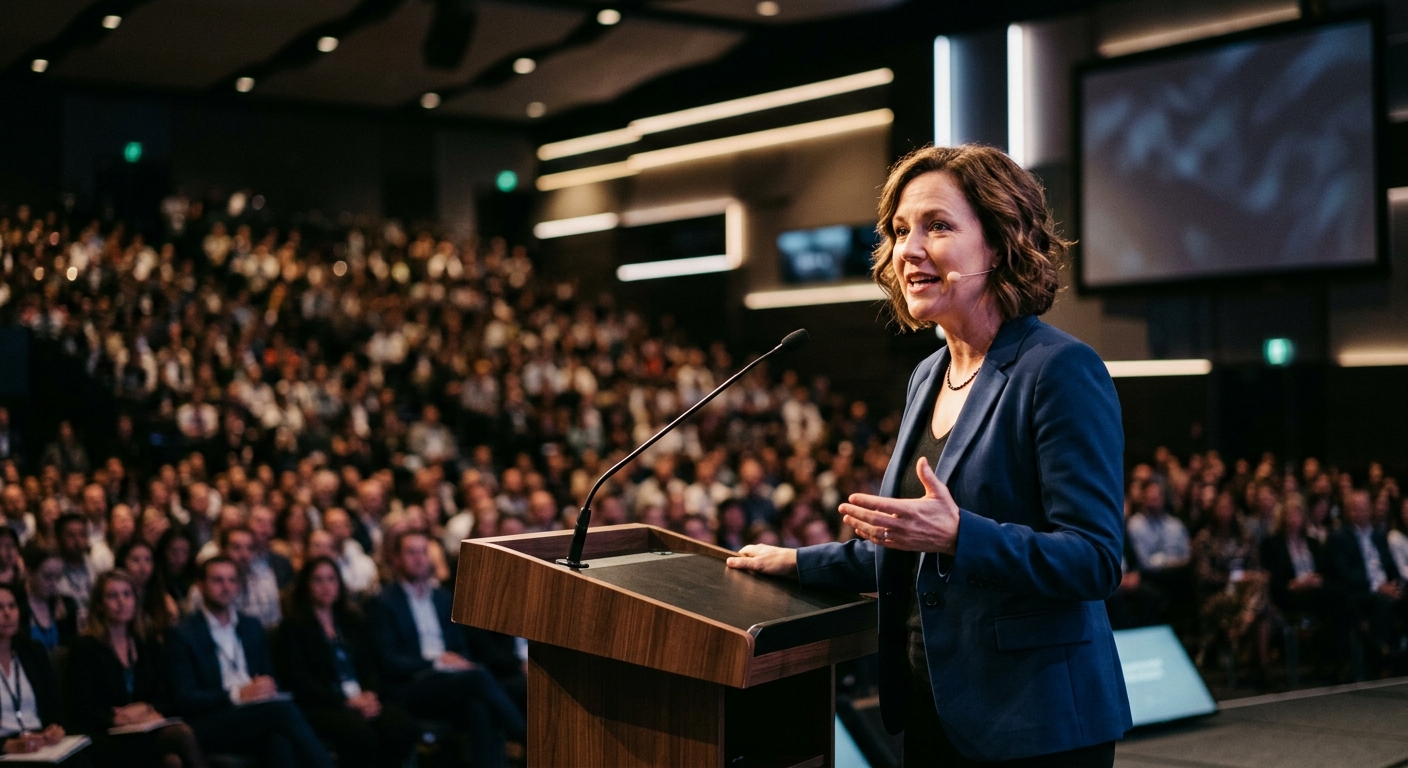
How to Identify Speakers in Video
Short answer: Identifying speakers in video means using AI to separate distinct voices in the audio, label each segment by speaker, and (when speaker profiles are available) match each voice to a known person. The technical name is speaker diarization plus speaker identification. The practical name is speaker detection.
Definition: Speaker detection is the process of automatically identifying who is speaking in video or audio content - labeling each voice segment by speaker, tracking individuals across recordings, and enabling search, filtering, and asset generation by person. It goes beyond basic transcription by answering not just what was said, but who said it.
Other names for the same thing: speaker diarization, automatic speaker identification, voice recognition for multi-speaker audio, transcribe-and-label-speakers. They all describe the same category of capability.
In Context
Every video team eventually runs into the same problem: a transcript with no names attached. Someone said something important during a panel, a broadcast segment, or a podcast episode - but finding who said what requires watching the footage again.
Speaker detection solves this at the source. When video is ingested, the system identifies distinct voices, assigns them to speakers, and - in more advanced implementations - recognizes returning speakers across an entire archive. The result is a transcript that's tagged by person, not just by timestamp.
For video teams at TV channels, event companies, and podcast networks, this isn't a nice-to-have. It's the difference between a transcript you can search and a transcript you can actually use - for clips, quotes, speaker kits, compliance, and archive retrieval.
Video Ingest
Any format, any length
Speech-to-Text
Raw transcript generated
Speaker Diarization
Voice segments separated
Speaker Identification
Matched to known profiles
Tagged Output
Who said what, when
Per-Speaker Assets
Clips, quotes, kits
Video Ingest
Any format, any length
Speech-to-Text
Raw transcript generated
Speaker Diarization
Voice segments separated
Speaker Identification
Matched to known profiles
Tagged Output
Who said what, when
Per-Speaker Assets
Clips, quotes, kits
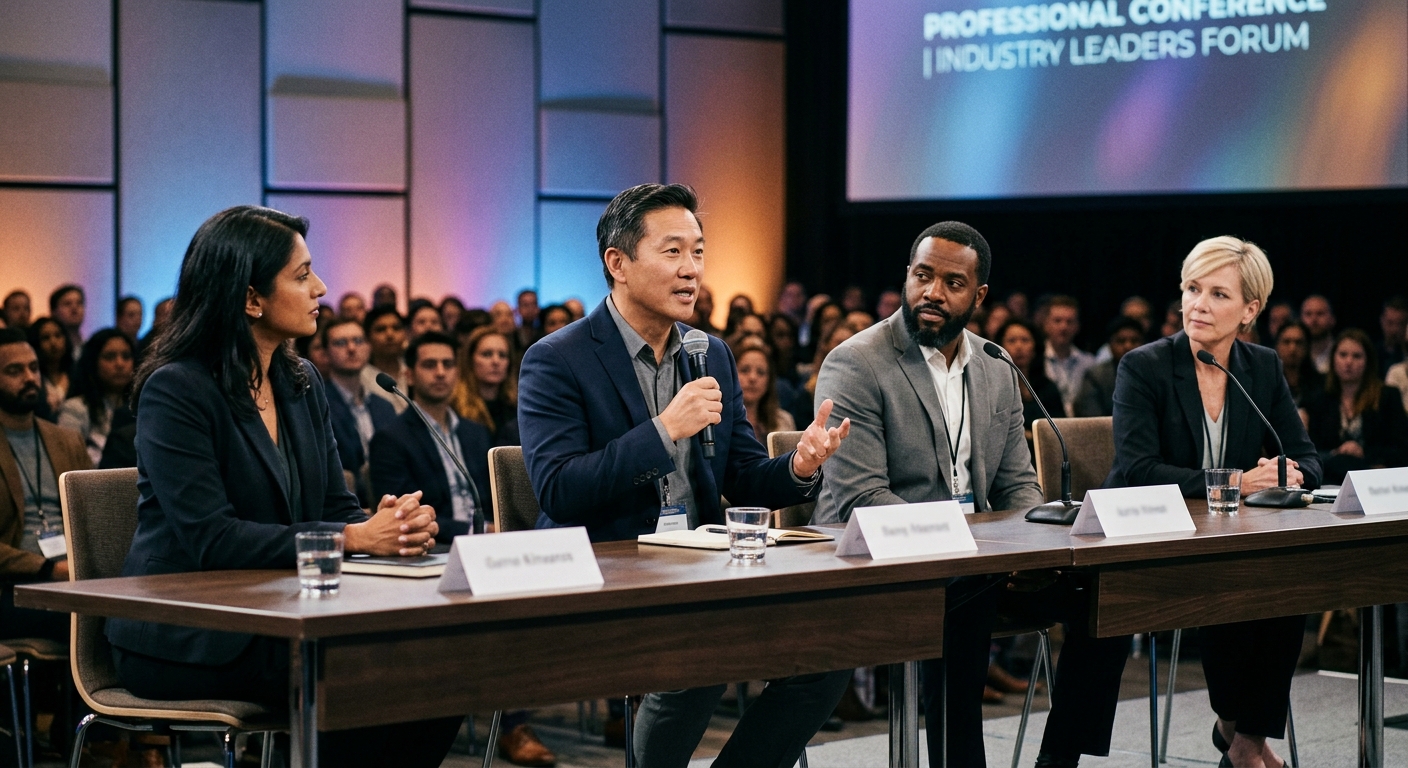
How Speaker Detection Works
Speaker detection typically operates in two stages:
Stage 1 - Diarization: The system segments audio into chunks and groups them by distinct voice. Even without knowing who the speakers are, it can separate Speaker A from Speaker B from Speaker C. This works across overlapping dialogue, varying audio quality, and multi-person conversations.
Stage 2 - Identification: If the system has a speaker library (voice profiles, face recognition, or metadata), it matches detected voices to known individuals. A returning guest on a podcast, a regular anchor on a news broadcast, or a keynote speaker at a conference series - the system recognizes them automatically across recordings.
Diarization
Separates audio into distinct voice segments. Groups speech by speaker without needing to know who they are. Handles crosstalk and noisy environments.
Identification
Matches voice segments to known speaker profiles. Recognizes returning speakers across your entire archive without manual tagging.
Visual Correlation
Pairs audio detection with face recognition and on-screen context. Confirms speaker identity using multiple signals, not just voice alone.
Structured Output
Produces speaker-labeled transcripts, per-speaker timestamps, quote extraction, and metadata ready for search, export, or asset generation.
Why Basic Transcription Isn't Enough
A transcript tells you what was said. Speaker detection tells you who said it. That distinction drives everything downstream.
Transcription Only
- Unlabeled text output
- No speaker attribution
- Search by keyword only
- Manual review needed to find quotes
- Each video processed in isolation
- No speaker history across archive
- Generic output - same for every org
With Speaker Detection
- Every line tagged to a specific person
- Full speaker attribution and timeline
- Search by person, topic, or quote
- Automatic quote extraction per speaker
- Speakers recognized across recordings
- Searchable speaker history and profiles
- Tuned to your speakers, jargon, and content
Without speaker detection, a 500-episode podcast archive is just text. With it, you can pull every appearance by a specific guest, every quote attributed to a specific expert, every segment where two particular speakers appeared together - instantly.
Real-World Applications

TV Broadcast
Identify anchors, correspondents, and guests automatically across daily programming. Generate per-speaker clip packages for social distribution. When a guest appears on three different shows in a week, find every appearance in seconds - not hours.
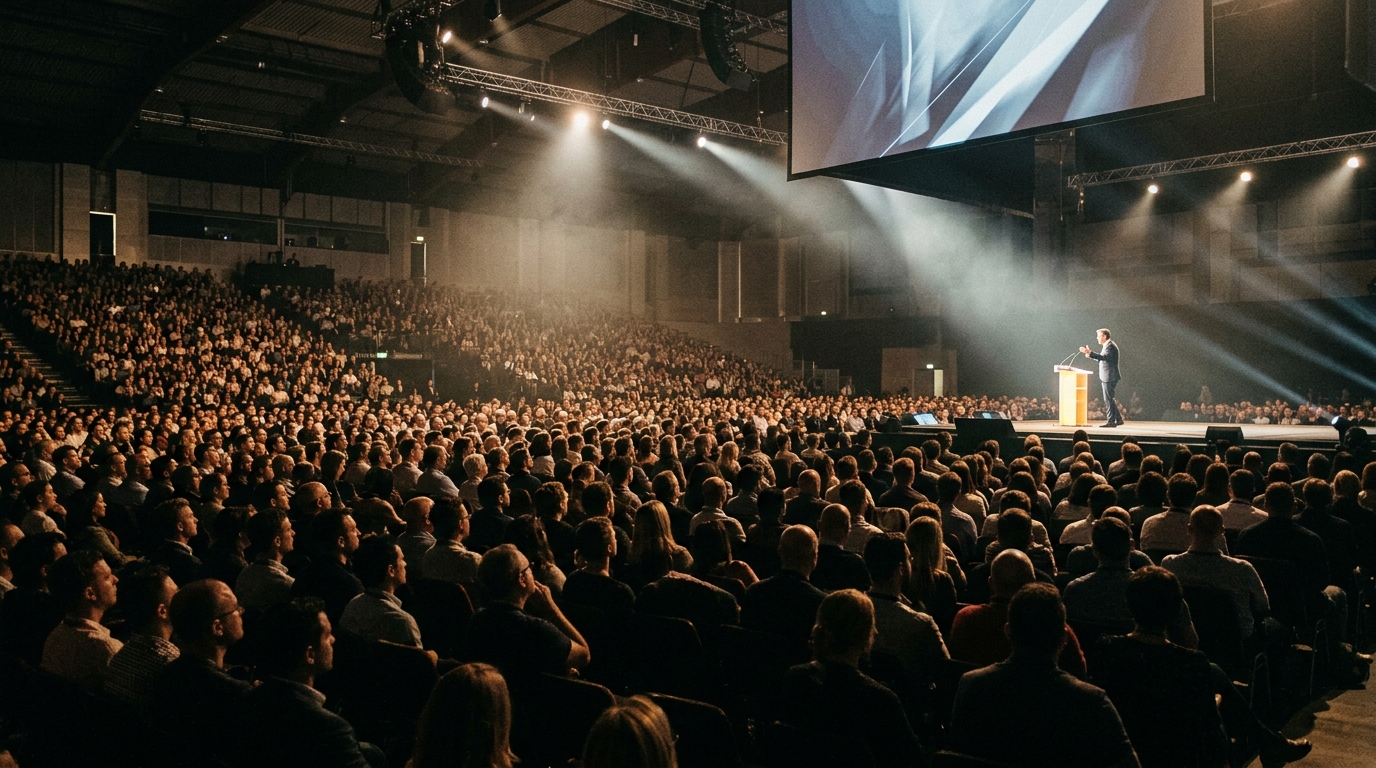
Events and Conferences
Every session ends with speaker-tagged content ready to go. Speaker kits - best clips, pull quotes, session highlights - are generated automatically per presenter. No manual tagging. No waiting for the editing team to catch up.
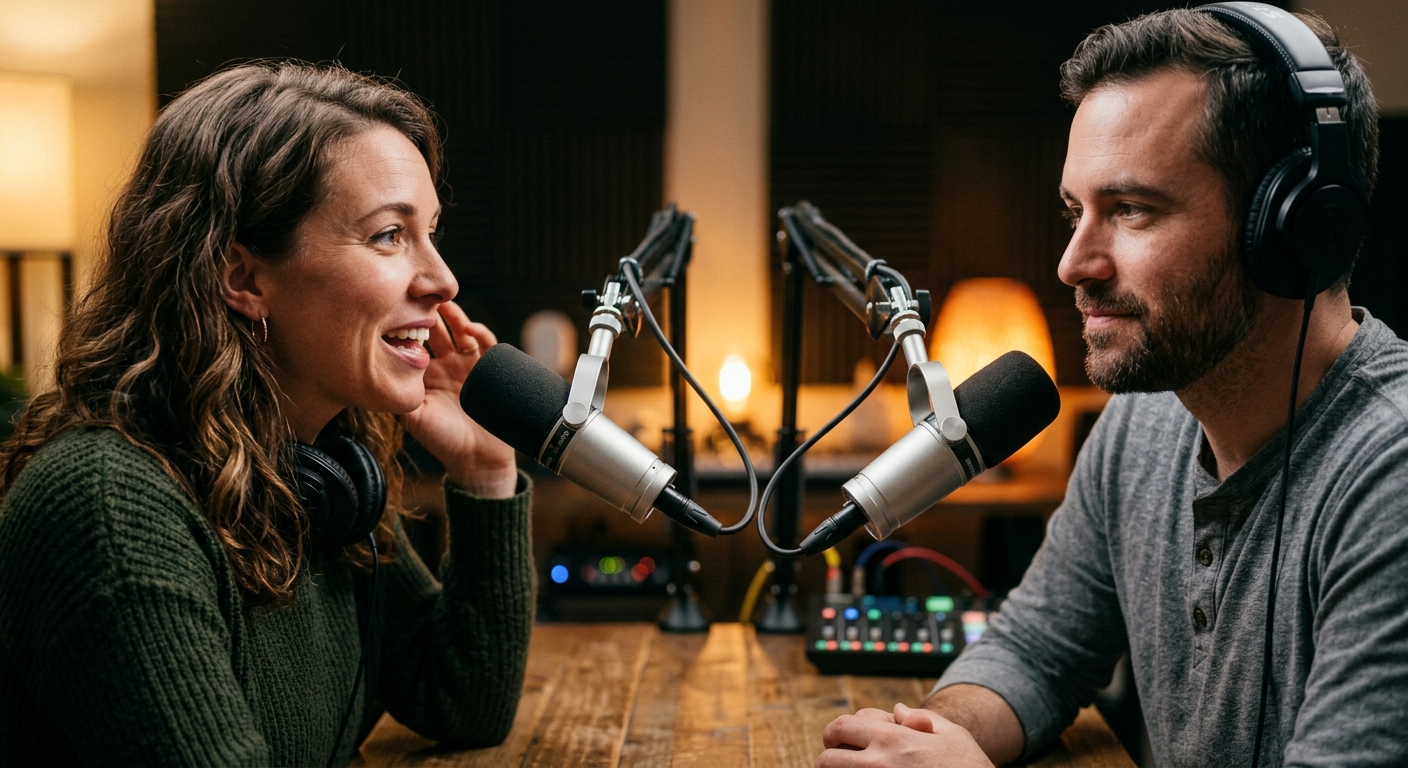
Podcast Networks
Turn a back catalog into a searchable speaker database. Find every episode a guest appeared on, pull their best quotes across appearances, and build guest profile pages - all from existing content, with no retroactive tagging.
The Before and After
Before - Manual Speaker Tagging
- Editor watches footage to identify speakers
- Names added manually to transcript after review
- No cross-referencing across episodes or segments
- Guest appearances tracked in spreadsheets
- Quote attribution requires scrubbing through video
- Speaker-specific content packages assembled by hand
- Archive is unsearchable by person
After - Automated Speaker Detection
- Speakers identified automatically on ingest
- Every transcript line tagged to a named person
- Returning speakers recognized across entire archive
- Guest history and appearances tracked by the system
- Quotes extracted and attributed instantly
- Speaker kits and per-person assets generated automatically
- Full archive searchable by any speaker, any date, any topic
By the Numbers
20+
Years in Video
Deep broadcast and events expertise
10,000+
Hours Processed
Speaker detection across formats
72hr
First POC
See speaker detection on your footage
Example
A conference runs 40 sessions over three days with 60 speakers. Without speaker detection, the post-event content team spends weeks reviewing footage, manually tagging speakers, selecting clips, and assembling speaker-specific deliverables.
With speaker detection built into the video intelligence engine, every session is processed as it ends. Each speaker is identified, their segments are separated, and their best moments are automatically selected. Within minutes of walking off stage, a speaker's kit is ready: their top clips, key quotes, a formatted session page, and tagged metadata. The event team delivers assets before speakers reach their hotel rooms.
The same system builds a cross-event speaker database. When the same expert speaks at three conferences over a year, every appearance is linked - searchable, quotable, and ready to reuse.
Speechbox builds speaker detection as a core block in every video intelligence engine - tuned to each client's speakers, deployed inside their environment, and designed to compound across their entire archive.
Related Terms
- Video-to-Data - The broader process of converting video into structured, searchable information. Speaker detection is a critical component of the video-to-data pipeline.
- Video Intelligence Engine - The full system that combines speaker detection with transcription, visual analysis, data extraction, and asset generation.
- Speaker Kit - A packaged set of assets generated per speaker - clips, quotes, session page, metadata. Speaker detection enables automated speaker kit generation.
- Multi-Speaker Transcription - Accurate speech-to-text that handles multiple voices, overlapping dialogue, and speaker changes. Speaker detection adds identity to multi-speaker transcripts.
- On-Premise Video AI - Deploying video intelligence - including speaker detection - inside your own infrastructure, so speaker data and voice profiles never leave your environment.
Related Questions
- How do you identify speakers in a video automatically?
- What is speaker diarization in AI?
- How do you label speakers in a transcript?
- What is the best AI tool for multi-speaker transcription?
- How does voice recognition work for multiple speakers?
- Can AI recognize the same speaker across different recordings?
- What is automatic speaker identification?
- How do you separate voices in a podcast or panel discussion?
- How do conferences tag speakers in session recordings?
- What is a video intelligence engine?
- How does video-to-data work?
- What is on-premise video AI?
- What is a speaker kit?
Want to see how this works on your footage?
Let's connect