Live Captioning for Conferences
Sam
Content Writer, Speechbox
Live Captioning for Conferences
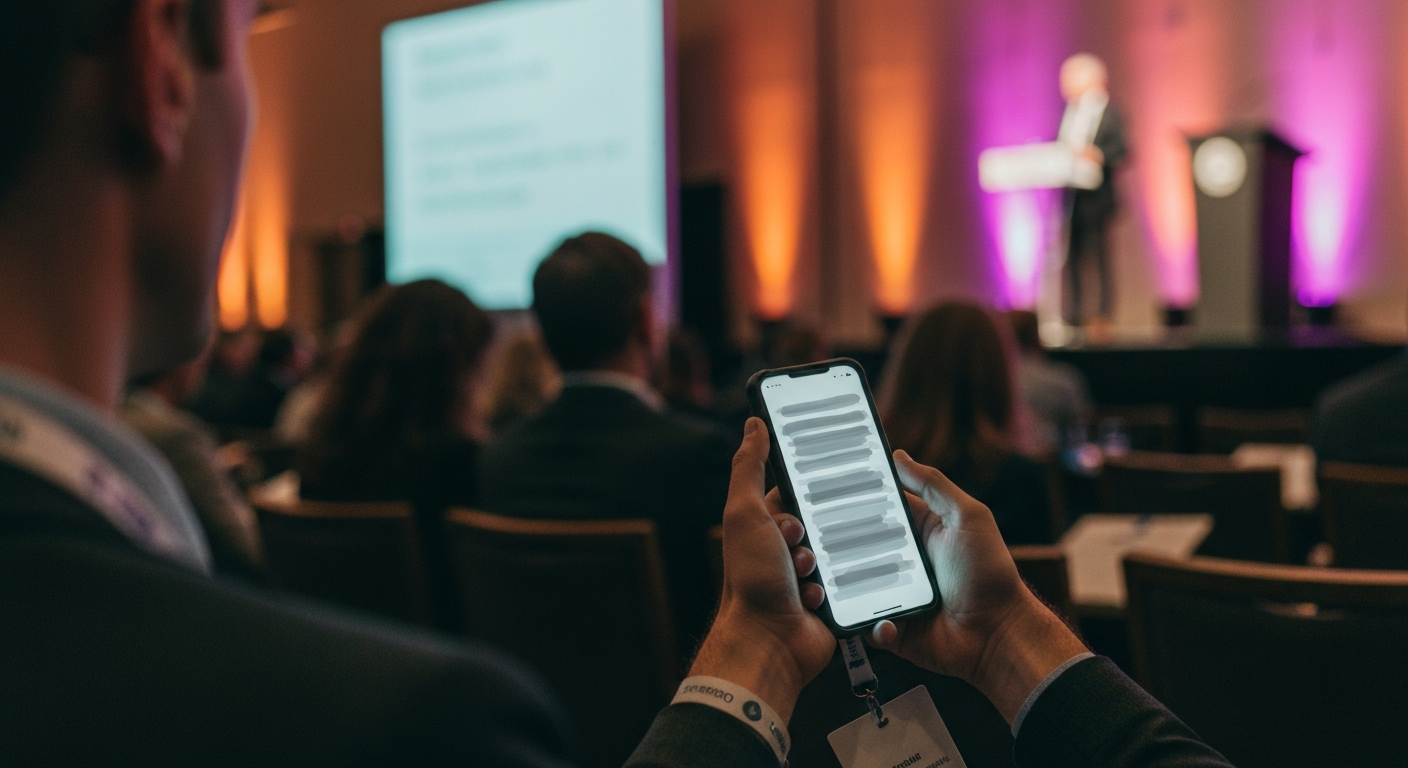
Short answer: Live captioning for conferences is the real-time conversion of session speech into on-screen text, delivered to attendee phones and venue displays while the speaker is still talking. It does two jobs at once. It meets accessibility requirements for attendees who are deaf or hard of hearing. And it raises comprehension for everyone else, the attendee in a loud overflow room, the non-native speaker, the person who looked at their phone for ten seconds and lost the thread.
Most organizers treat captions as a compliance checkbox bolted on at the end. The events that get value from captions treat them as a live audience surface, generated as the session runs and reviewed by a human for accuracy.
The Two Jobs Captions Actually Do
Captions are usually justified on one ground, accessibility, and that alone is enough to require them at most corporate and association events. But the second job is where the engagement return lives.
Accessibility and Compliance
Attendees who are deaf or hard of hearing need real-time text to follow a session at all. For many corporate, government, and association events this is a legal and contractual requirement, not a nice-to-have.
Comprehension for Everyone
A loud room, a strong accent, dense terminology, a non-native audience. Captions catch the words the ear misses. In silent-by-default mobile viewing, they are the difference between following along and tuning out.
Navigation in the Moment
A scrollable live transcript lets an attendee rewind five minutes when they zoned out, without interrupting the speaker or asking a neighbor what was just said.
The Raw Material for Everything After
The same real-time text that captions the room becomes the transcript that feeds clips, quote cards, recap articles, and the searchable post-event archive. Captioning and content production share one pipeline.
The fourth point is the one organizers miss. Captions are not a cost center separate from content. The text stream that runs the captions is the same stream that produces the social assets and the searchable showroom. Pay for it once.
Real-Time vs. Post-Event Captioning
There are two ways to caption a session, and they answer different needs.
Post-Event Captions Only
- Captions added days after the session
- Accessibility need during the live event goes unmet
- Attendees in the room get no live text
- No live transcript to navigate or search
- Compliance gap for the in-room experience
- One use: the recording on demand
Real-Time Captions, Human-Reviewed
- Text appears as the speaker talks
- In-room accessibility need met during the event
- Attendees follow on phones and venue screens
- Live transcript is scrollable and searchable
- Compliance covered for the live experience
- Same text stream feeds clips, articles, and the archive
Post-event captions on the recording still matter for the on-demand archive. But they do nothing for the person sitting in the room who needs to follow the session right now. Real-time captioning covers the live need and produces the post-event asset as a byproduct.
What Good Live Captioning Looks Like
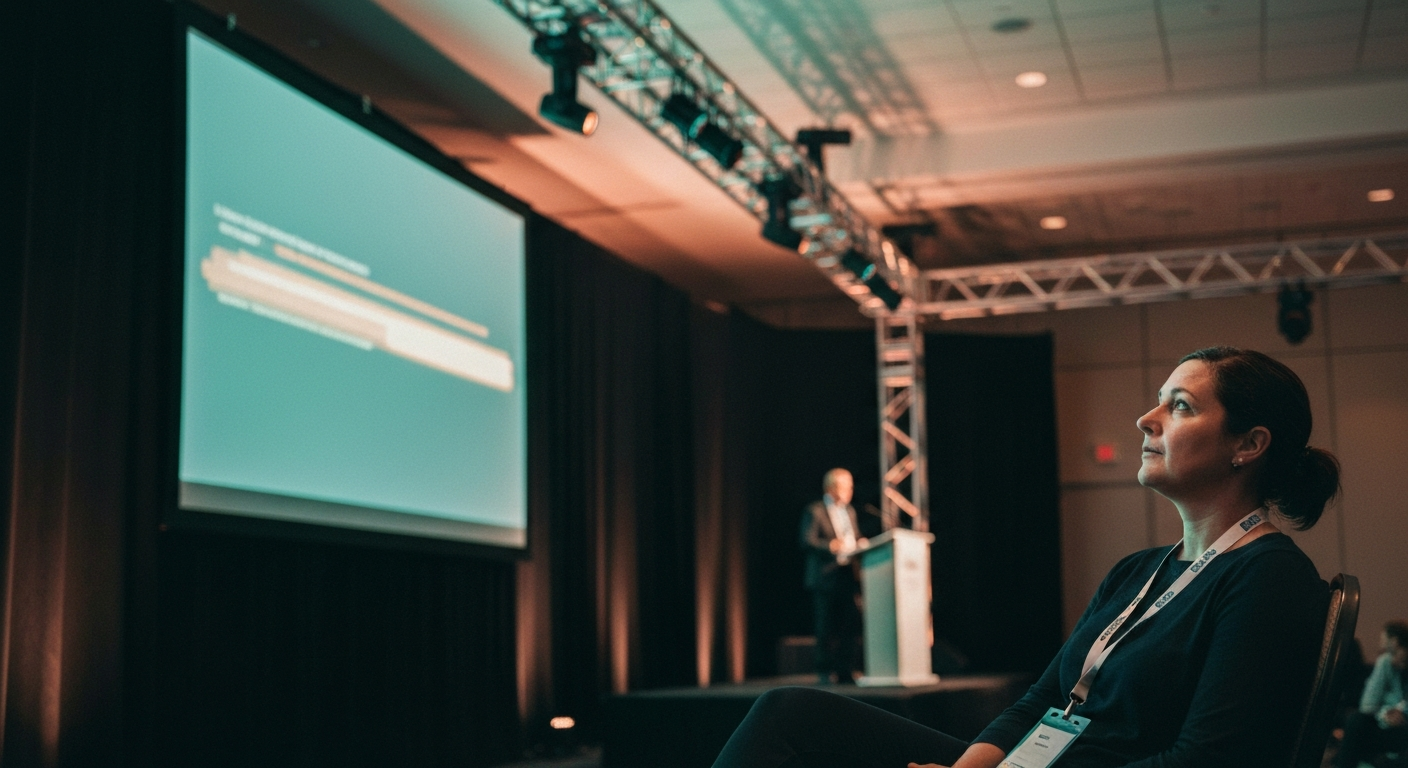
Not all live captions are usable. The bar that separates captions an attendee can actually follow from captions that frustrate them comes down to four things.
Low Latency
Text within 1-2 seconds of speech
High Accuracy
Names, jargon, acronyms correct
Speaker Labels
Who said what on a panel
Human Review
Producer catches the edge cases
Low Latency
Text within 1-2 seconds of speech
High Accuracy
Names, jargon, acronyms correct
Speaker Labels
Who said what on a panel
Human Review
Producer catches the edge cases
- Latency. Captions that lag five seconds behind the speaker are worse than none. The text has to land within a second or two of the words, or the reader is always behind.
- Accuracy on the hard words. Generic speech-to-text handles common language well and fails on exactly the words a conference cares about: speaker names, company names, product names, industry acronyms. A glossary primed for the event and a human in the loop fix this.
- Speaker attribution. On a panel, captions without speaker labels become an unreadable wall. Knowing who said what is part of the comprehension.
- Translation when the audience is international. For a global audience, live captions in the attendee chosen language turn a session they would have skipped into one they can follow.
The Accessibility Case Is Not Optional
For a growing share of events, real-time captioning is a requirement written into the venue contract, the sponsor agreement, or the organization accessibility policy. Government events, many corporate all-hands, and most large association meetings now expect it. Standards like WCAG treat live captions as the baseline for time-based media.
The practical point: captioning added as an afterthought, by a vendor who was not briefed on the speaker names and the subject matter, produces text full of errors on the terms that matter most. The accessibility requirement is met on paper and failed in the room. Real-time captioning with an event-specific glossary and human review is what actually serves the attendee who depends on it.
How Captioning Fits the Live Event Surface
Live captioning is one feature of the live conference feed, the real-time digital companion attendees follow on their phones. The same processing that generates captions also produces automatic headlines, pulled quotes, topic markers, and an AI chat grounded in what was just said. Captions are the entry point. The transcript underneath is what makes the rest possible.
The Operating Model at Conference Scale
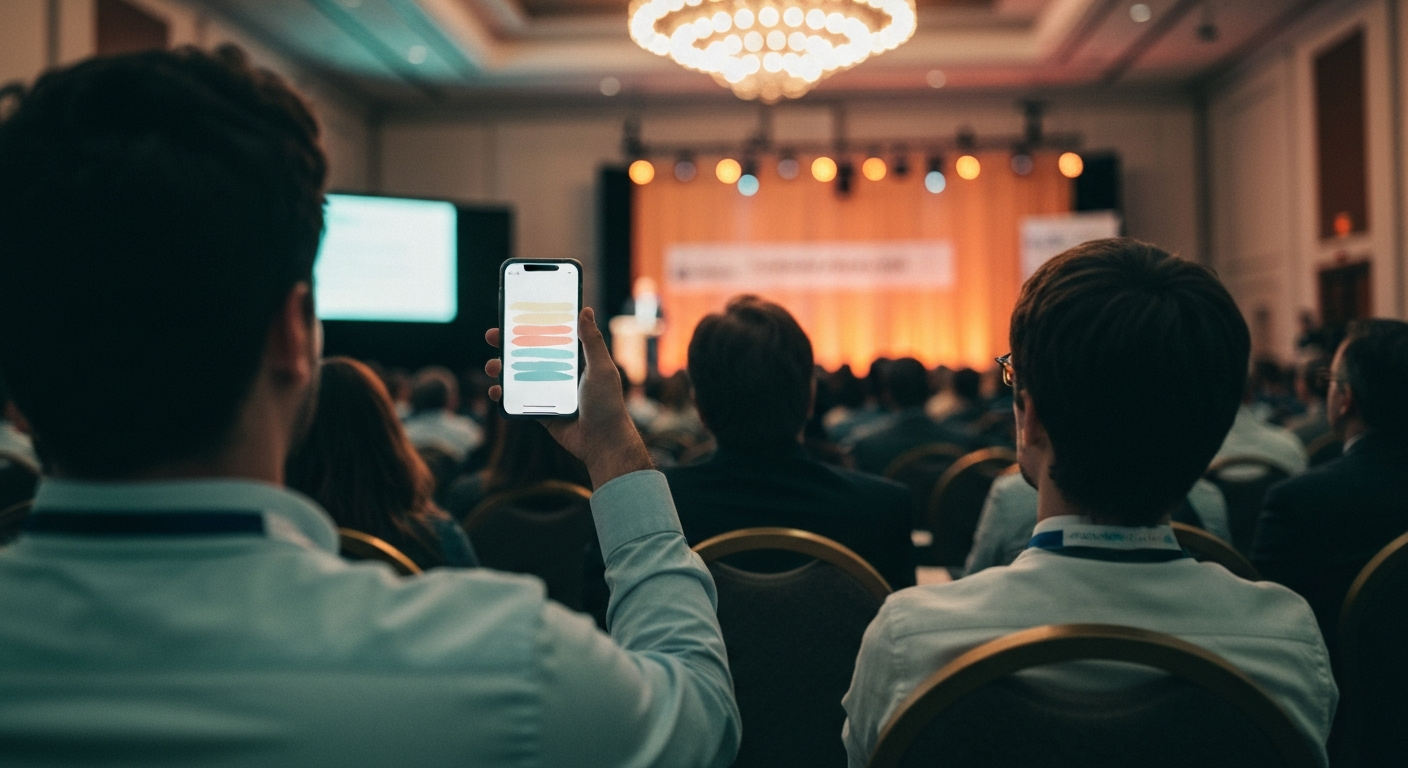
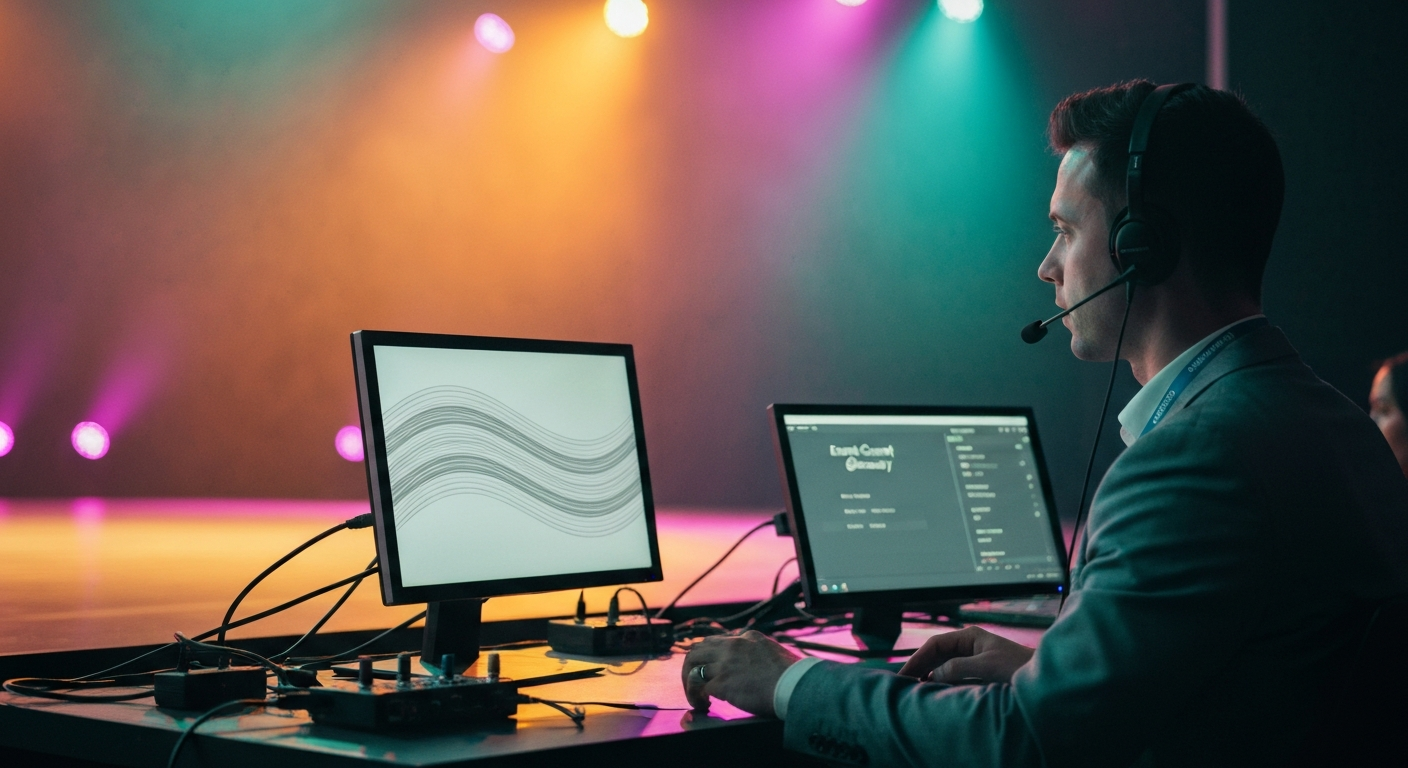
A two-day conference with 28 sessions running across three stages cannot be captioned by one stenographer. The volume does not fit the old model. The approach that works at this scale pairs automated real-time transcription with a producer who reviews the feed, fixes the edge cases live, and keeps the event glossary current as new speaker names and terms come up.
This is the same model behind every surface of conference media infrastructure: automation handles the volume, a human handles the judgment. The captions run live for the room. The reviewed transcript flows straight into the assets the event ships afterward and into the searchable post-event showroom.
One Test Before You Sign a Captioning Vendor
Ask for a live caption sample on footage from a real session in your industry, with your kind of speaker names and terms in it. Watch the latency. Count the errors on names and acronyms. If the sample lags or mangles the words your audience came to hear, the captions will fail the one attendee who needs them most and frustrate everyone else. Real-time, accurate, human-reviewed captioning is the bar. Anything slower or sloppier is a checkbox, not access.
Related Terms
- Conference Media Infrastructure - The end-to-end stack that runs the live feed, captions included, and turns every session into downstream content.
- How Conferences Repurpose Session Content - Where the reviewed live transcript goes next: clips, quote cards, articles, and the archive.
- What Is a Conference Showroom - The permanent, searchable destination built on the same transcripts that power live captions.
- Live vs. Post-Event Conference Content - The timing decision behind captioning: what has to happen live and what can wait.
- How Conference Content Gets Cited by AI Search - Why an accurate, structured transcript is what makes a session discoverable months later.
Related Questions
- What is live captioning for conferences and how does it work?
- Are conferences legally required to provide live captions?
- What is the difference between real-time and post-event captions?
- How accurate are automated live captions at events?
- How do you caption multiple conference sessions running at the same time?
- Can live conference captions be translated into other languages?
- How do live captions improve attendee engagement?
- What should a conference look for in a live captioning vendor?
- How do live captions become social clips and a searchable archive?
- What latency is acceptable for live event captions?
Want to see how this works on your footage?
Let's connect