What Are Live Navigation Titles for Events?
Sam
Content Writer, Speechbox
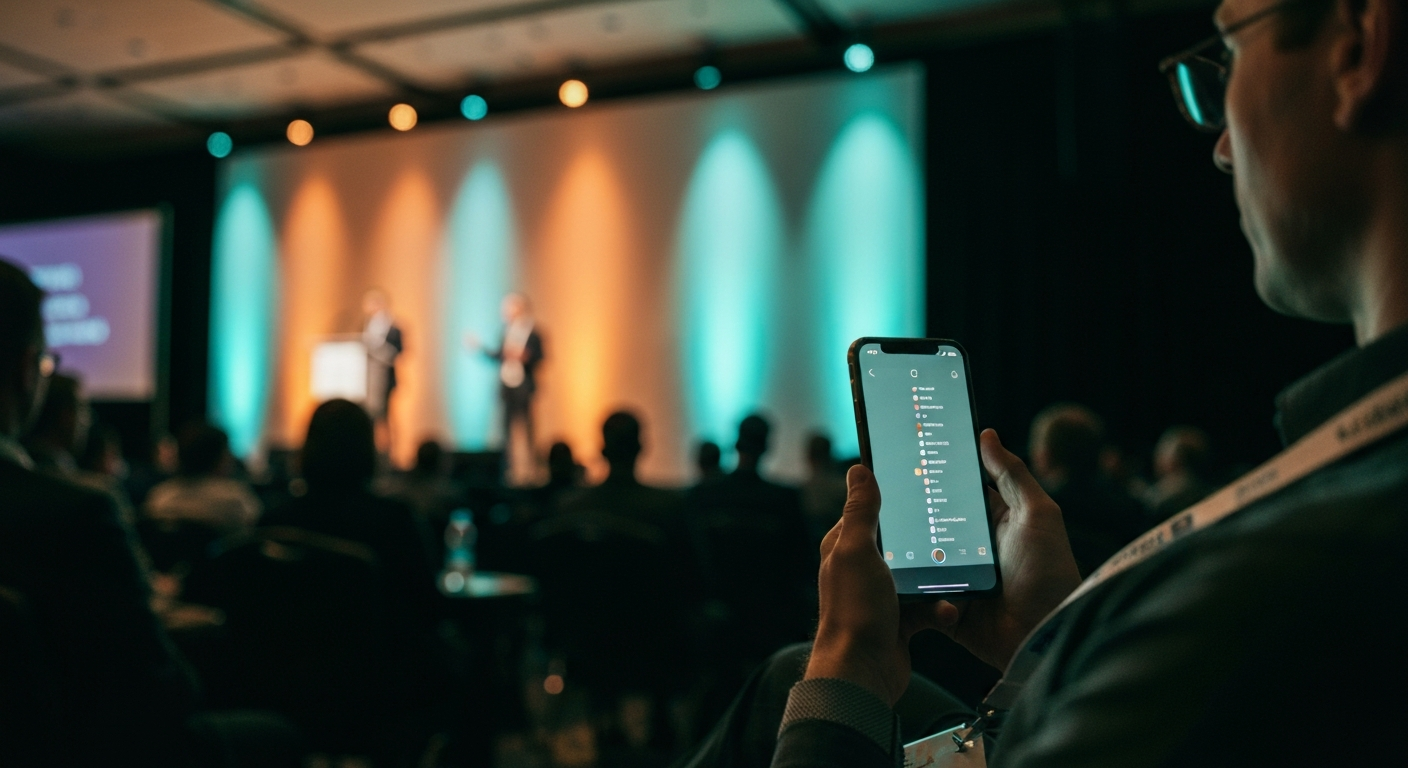
What Are Live Navigation Titles for Events?
Short answer: Live navigation titles are real-time topic markers placed on a live broadcast or live conference feed while the session is still running. Each title pins a specific moment, says what happens there in plain language, and lets a viewer jump directly to that point without scrubbing the timeline. At the Atlas Award ceremony at the Tel Aviv Stock Exchange this year, 138 navigation titles were generated and streamed during a single two-hour broadcast on Israeli Business Channel.
That density is the point. A two-hour conference broadcast that ships with two or three chapter markers is no easier to navigate than a single block of video. A two-hour broadcast that ships with 138 navigation titles becomes a searchable, jumpable experience the moment it starts.
The Problem They Solve
A live broadcast has a navigation problem the moment it goes longer than fifteen minutes. The viewer who joined late wants to know what was just said. The viewer mid-stream wants to skip the introduction and get to the announcement. The viewer who walked away for coffee wants the last five minutes back. None of these are post-event problems. They happen while the broadcast is still airing.
Static chapter markers added in post-production solve nothing for live viewers. They appear days after the event, on the recorded asset, after the live audience has already left. The live audience needs the marker now, while the stream is still running. That is what live navigation titles do.
What a Live Navigation Title Actually Is
A live navigation title is a tagged time-point inside a running stream. Four components make it work.
Topic Detection in Real Time
The system listens to the stream, identifies a topic shift, and generates a marker at the exact moment the new topic begins. Done while the session is running, not in a post-event review.
Plain-Language Label
Each title says what is happening in language a viewer would search for. Not a timecode, not a generic chapter number. The first 80 characters that tell the viewer whether to click.
Precise Timing
The marker lands within a second or two of the topic shift. A title placed thirty seconds late sends the viewer to the wrong part of the talk and the navigation breaks.
Live Surface
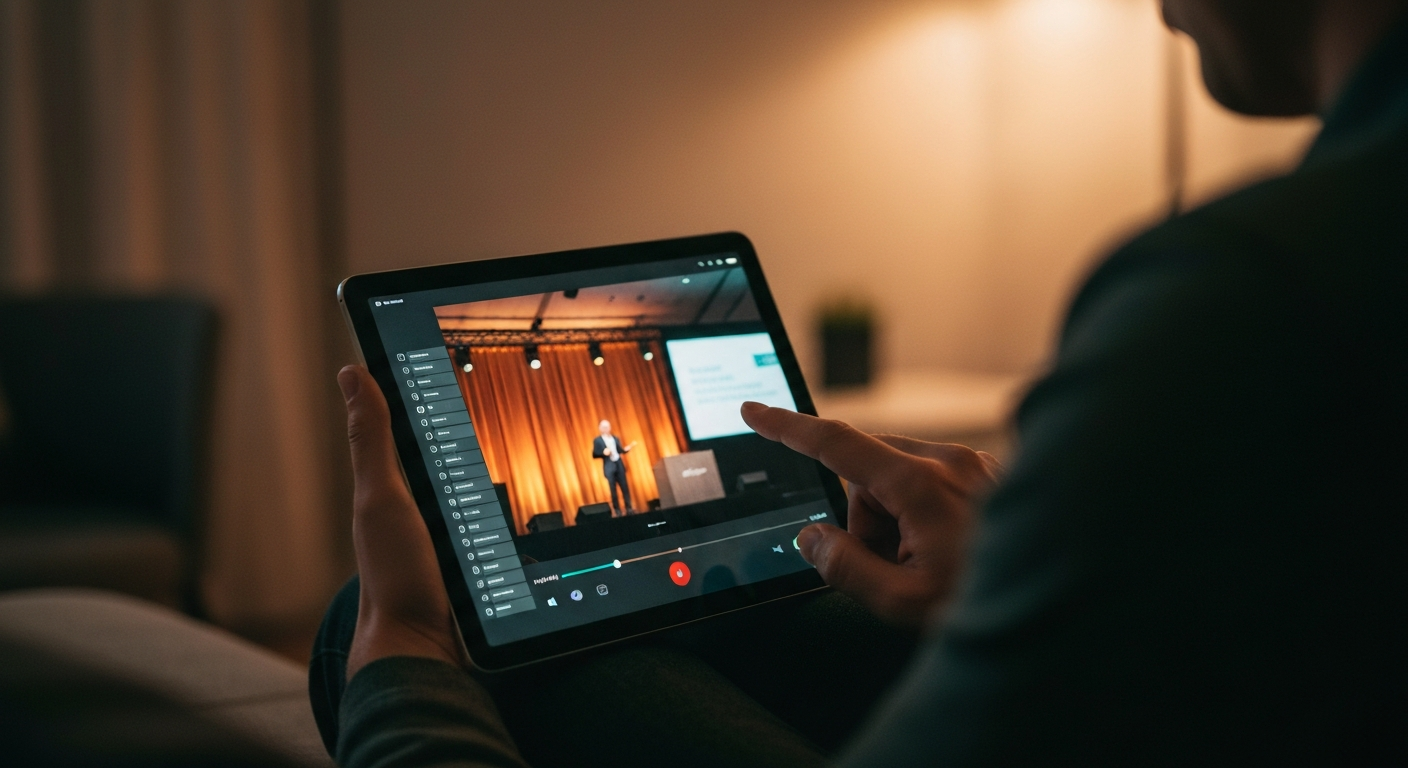
The title appears on the live viewer interface as the broadcast runs. A scrollable list, a clickable timeline, or both. Available the moment the topic happens.
The combination matters. Each component on its own is a feature. The four together turn a linear broadcast into something a viewer can navigate while it is still being recorded.
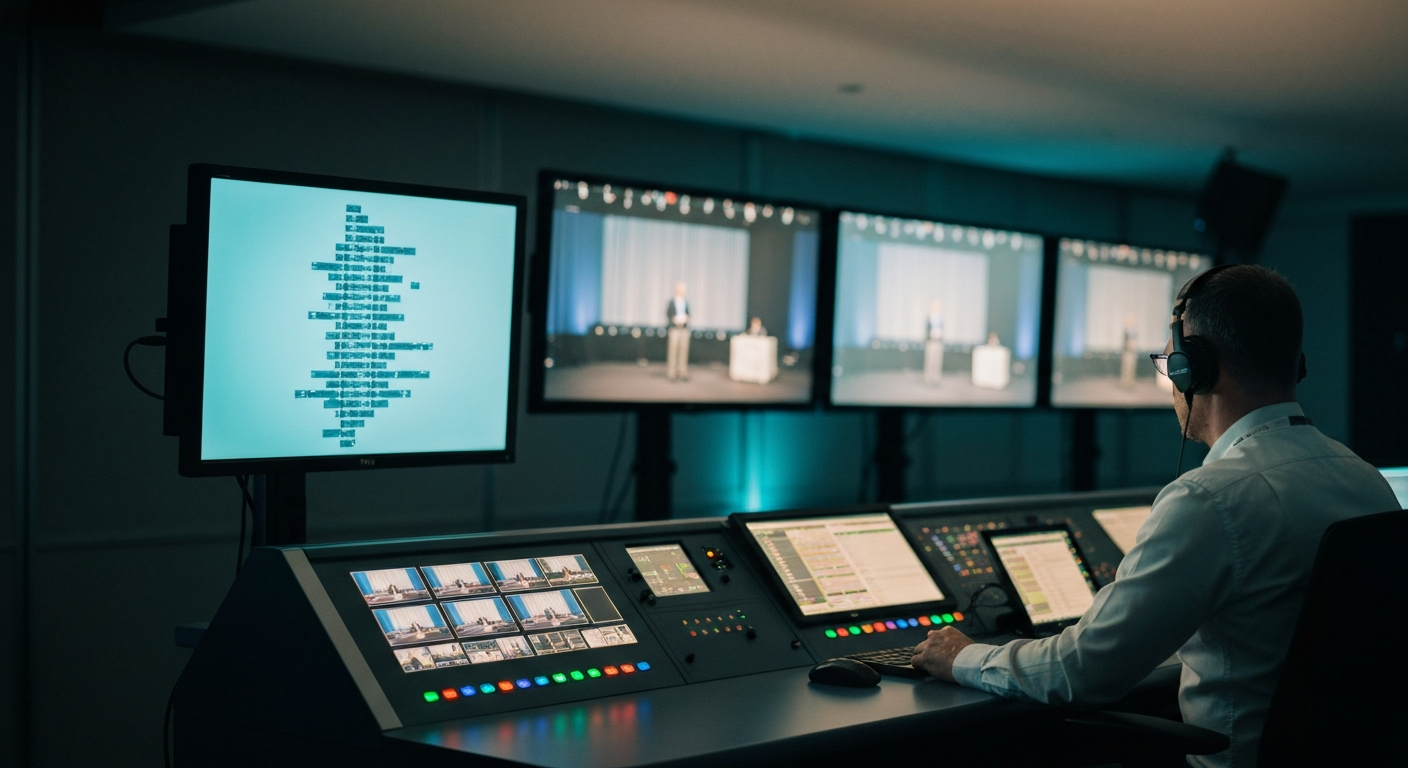
How They Differ From Chapter Markers
The two terms get used interchangeably and they should not. Chapter markers are a post-event concept. Live navigation titles are a live concept. The operating model is different, the latency is different, and the viewer experience is different.
Chapter Markers (Post-Event)
- Added during post-production, days after the event
- Coarse granularity, often 5 to 10 markers per hour
- Live audience sees nothing while the broadcast is running
- Manual editorial pass to write each label
- Appears on the recorded VOD asset only
- Useful for archive navigation, not for live navigation
Live Navigation Titles
- Generated and published while the session is still running
- Fine granularity, often 30 to 80 titles per hour
- Live viewers click through to the moment immediately
- Automatic detection with a human reviewer in the loop
- Appears on the live broadcast surface and the VOD
- Solves the in-stream navigation problem the audience actually has
Both can exist on the same asset. The live navigation titles populate during the broadcast, the chapter markers may be added later for the on-demand version. The mistake is treating chapter markers as a substitute for live navigation. They are not the same product.
Why 138 Titles in Two Hours Matters
The Atlas Award is the annual recognition program for Israeli startups whose technology carries global weight. The 2026 ceremony at the Tel Aviv Stock Exchange ran for two hours, featured 16 invited speakers and 20 award nominees, and was broadcast by Israeli Business Channel. During the broadcast itself, 138 live navigation titles were generated and streamed in real time.
Why 138 and not 12? Because granularity decides whether navigation is real or theoretical. A 120-minute broadcast with 12 markers averages one marker every 10 minutes. The viewer who wants the moment when one specific honoree spoke about company strategy has nowhere to jump to. A 120-minute broadcast with 138 titles averages one title every 52 seconds. Now every meaningful moment has a landing point, and the viewer arrives where they wanted in two clicks instead of scrubbing for ninety seconds.
The other half of why it matters is what the navigation enables downstream. Each live title is a tagged time-point. The same tags feed the post-event showroom, the searchable archive, the clip generation pipeline, and the AI search engines that cite the broadcast six months later. Pay for the titling once, get the live navigation, the post-event search, and the AI citation surface together.
What Good Live Navigation Looks Like
Four quality criteria separate live navigation that viewers actually use from a feature that ships on the spec sheet and never gets clicked.
Sub-Second Latency
Title posts within 1-2 seconds of the topic shift
Plain-Language Labels
What happens, in words a viewer would search
High Granularity
30-80 titles per hour, not 5-10
Human Review In-Loop
Editor catches mislabels before they hit the live surface
Sub-Second Latency
Title posts within 1-2 seconds of the topic shift
Plain-Language Labels
What happens, in words a viewer would search
High Granularity
30-80 titles per hour, not 5-10
Human Review In-Loop
Editor catches mislabels before they hit the live surface
- Latency. A title placed thirty seconds after the topic actually shifted sends the viewer to the wrong place. The reader trusts the navigation once and never again. Sub-second placement is the bar.
- Plain-language labels. A title that reads "Section 4" or "Topic shift detected" is no title at all. The label has to say what happens, in language a viewer would actually search for. The labeling is the work.
- Granularity. A two-hour broadcast needs dozens of titles, not five. The viewer who wants one specific 90-second moment needs a landing point within reach of that moment, not a chapter that covers the next fifteen minutes.
- Human review. Real-time topic detection generates the candidates. A human editor at a side-stage workstation approves or rewrites before each title hits the live surface. Catches the misattributions, the awkward labels, the sensitive language an unsupervised system would miss.
How Live Navigation Fits the Live Conference Feed
Live navigation titles are one feature of the broader live conference feed, the real-time digital surface attendees and remote viewers follow during the event. The same pipeline that generates the titles also produces live captions, automatic headlines, pulled quotes, and an AI chat grounded in the session content. The titles are the spine. Everything else hangs off the same time-aligned transcript.
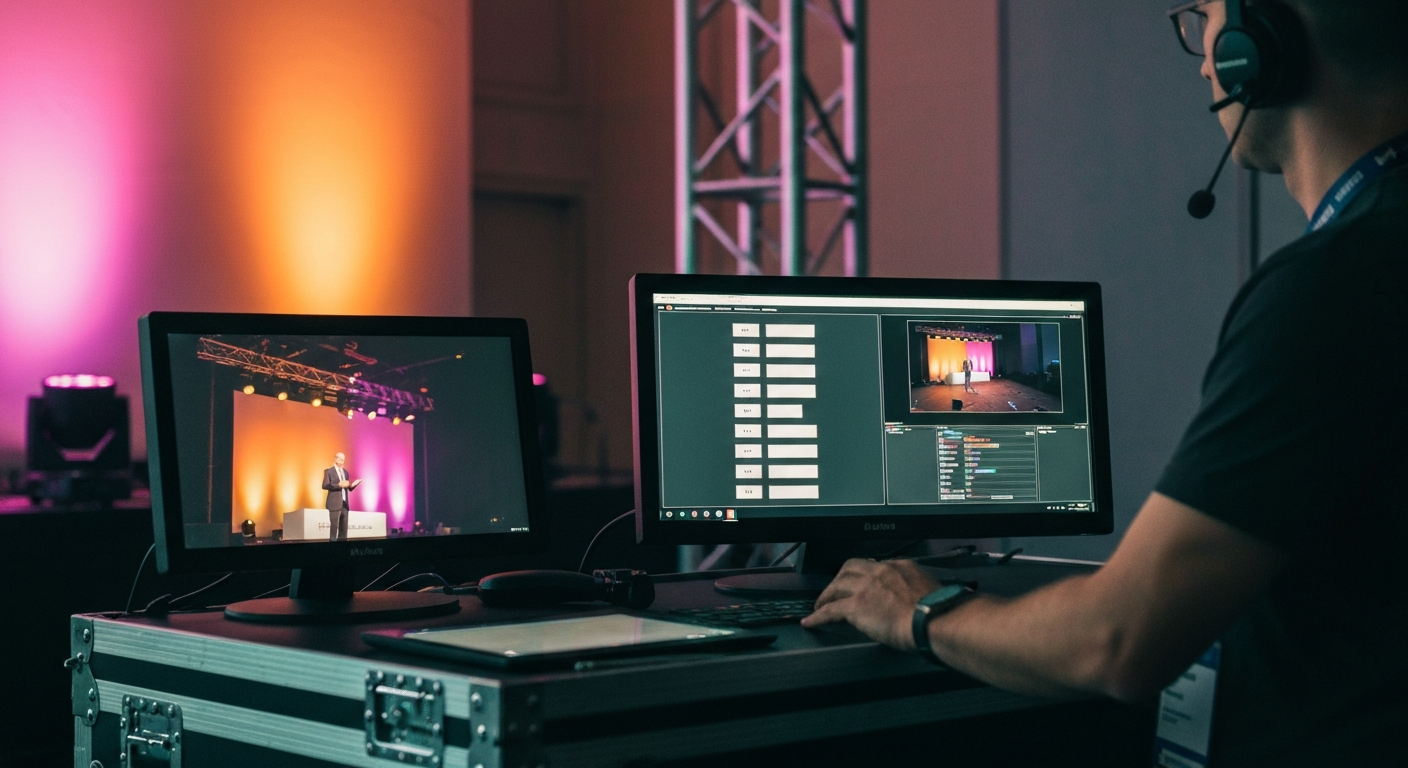
Once the broadcast ends, the same titles carry forward into the post-event archive. The clickable navigation that helped the live audience jump moments becomes the chapter structure that lets the post-event showroom surface the same moments to viewers months later. The work done during the broadcast pays out twice.
Related Terms
- Conference media infrastructure
- Live captioning for conferences
- What is a conference showroom
- Conference showroom vs. YouTube playlist
- Four pillars of conference infrastructure
Related Questions
- What is the difference between live navigation titles and chapter markers?
- How many navigation titles should a 2-hour conference broadcast have?
- Can live navigation titles be added to a YouTube broadcast?
- How are live navigation titles generated in real time?
- Why do conference broadcasts need more than chapter markers?
- What pipeline produces 138 navigation titles during a single broadcast?
- How do live navigation titles improve viewer retention on a live broadcast?
- Do live navigation titles work for non-English conference broadcasts?
Want to see how this works on your footage?
Let's connect