What Does a Conference Live Feed Look Like to Attendees?
Sam
Content Writer, Speechbox
What Does a Conference Live Feed Look Like to Attendees?
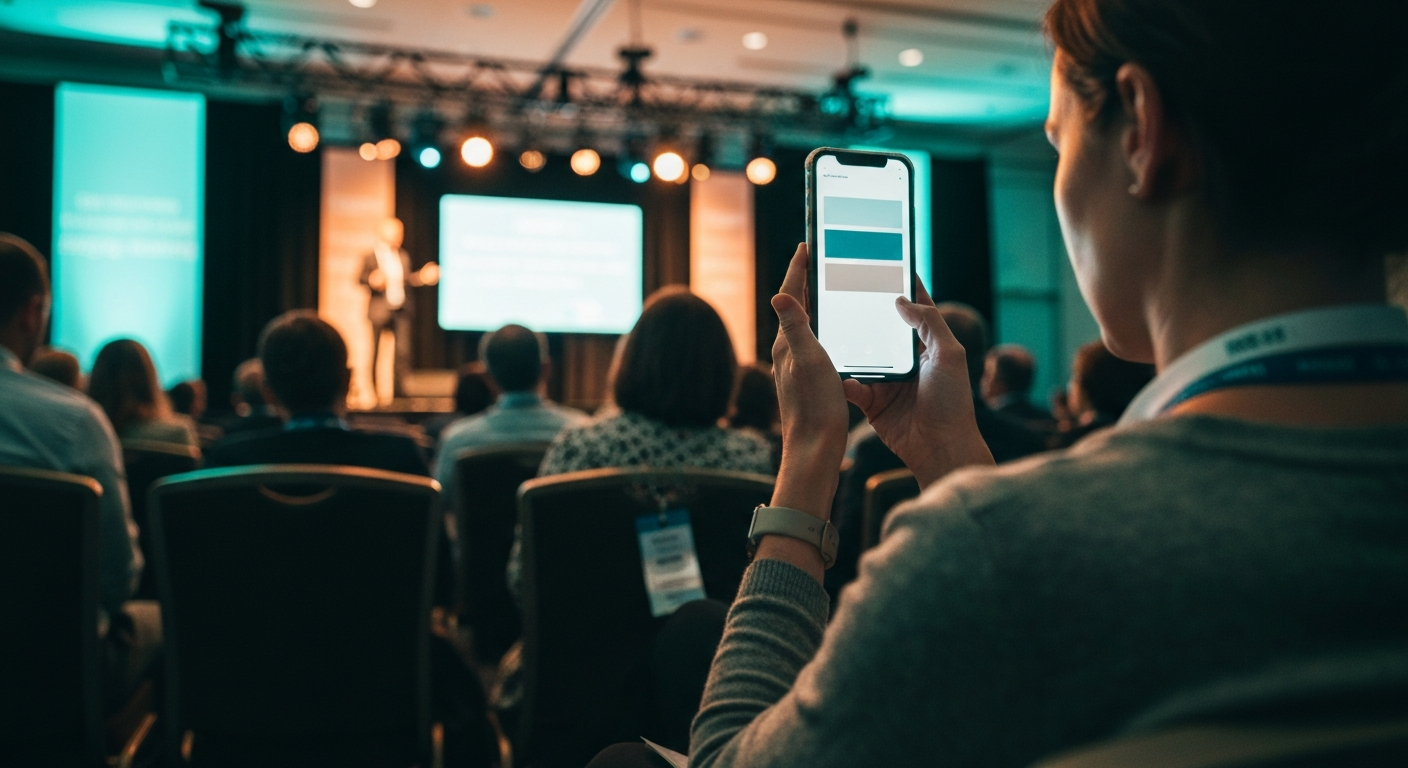
Short answer: A conference live feed is a real-time digital companion that attendees open on their phones during sessions. It carries a searchable transcript that scrolls as the speaker talks, auto-generated headlines and quotes from each segment, topic navigation that lets the attendee jump to the part she came for, and an AI chat that answers questions grounded in what was just said on stage. At the Atlas Award ceremony at the Tel Aviv Stock Exchange, the Israeli Business Channel production team ran a live feed that streamed 138 navigation titles during the two-hour broadcast, so online viewers could move through the ceremony in real time without scrubbing the timeline.
The thing the live feed is not is a registration app. Registration apps go quiet on day two because their job ended when the attendee scanned in. The live feed is built for the moment a person is actually in a session, on her phone, trying not to miss the line she came for.
The Four Things Attendees Actually See
A working conference live feed presents four surfaces to the attendee. Each one solves a specific problem the room creates.
1. The live transcript. Real-time captions of what the speaker is saying right now, scrollable backward five minutes when the attendee zoned out for thirty seconds. Solves the "what did she just say" problem without making the attendee interrupt her neighbor.
2. Headlines and quotes per segment. As each section of the talk closes, the system surfaces a short headline and one or two pull quotes from that segment, in plain language. A passing attendee outside the room can read the headlines and decide in twenty seconds whether to walk in. An attendee inside the room can scan the quotes during a transition and decide whether to flag the moment for later.
3. Topic navigation. A live list of the segments inside the session, generated as the speaker moves through them. The attendee taps a topic and the transcript scrolls to that moment. A talk that runs forty-five minutes presents as eight to twelve navigable segments, not as a single block of audio. At Atlas, the 138 navigation titles across two hours of broadcast meant any moment of the ceremony was one tap away.
4. The AI chat. A live conversational layer that answers attendee questions grounded in what was actually said on stage, not in generic web content. An attendee can ask "what did she say about the budget timeline" and get the answer pulled from the active transcript, with a link back to the exact moment in the segment. The chat does not invent. If the answer is not in the session, the chat says so.
Why Attendees Disengage Without It
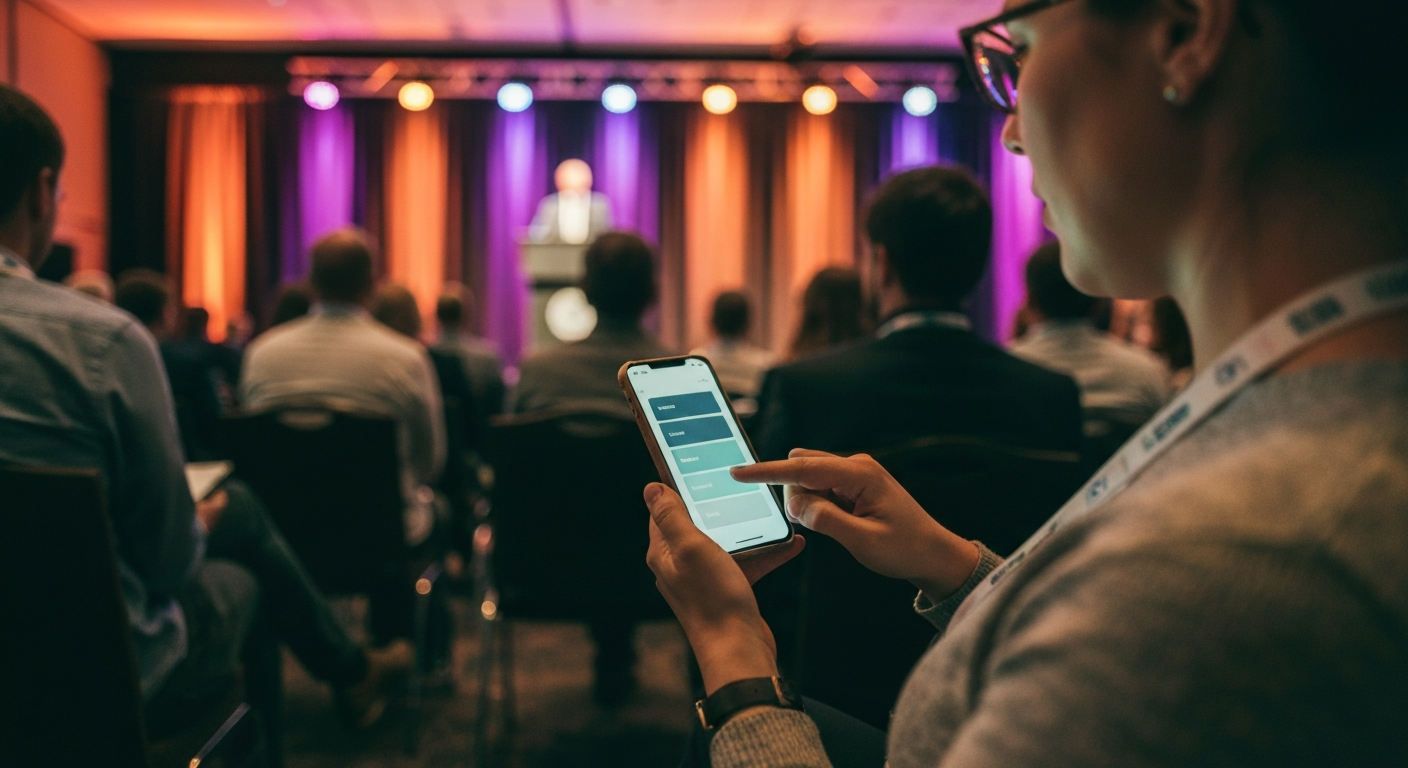
The default failure mode of multi-session conferences is not bad content. It is attendees disengaging because they cannot find what they came for. Three specific micro-failures stack up.
The session lookup is broken. The attendee chose a session from a list that described it in two lines. Once inside, she cannot tell whether the talk has reached the part she actually came for. The room has no way to surface "you are eighteen minutes in, the part about pricing is twelve minutes away."
The thirty-second blackout is unrecoverable. The attendee zoned out for half a minute. Without a transcript she can scroll, the thirty seconds are gone. She gives up on following the rest of the session.
The moment that mattered cannot be revisited. A line lands, the attendee wants to remember it later, she tries to write it down, the speaker moves on, the line is approximately captured at best. By the time the recording goes up two weeks later, the moment is gone.
The live feed solves all three. Topic navigation surfaces the part she came for. The transcript covers the blackout. The quote capture saves the line.
The Remote Viewer Use Case
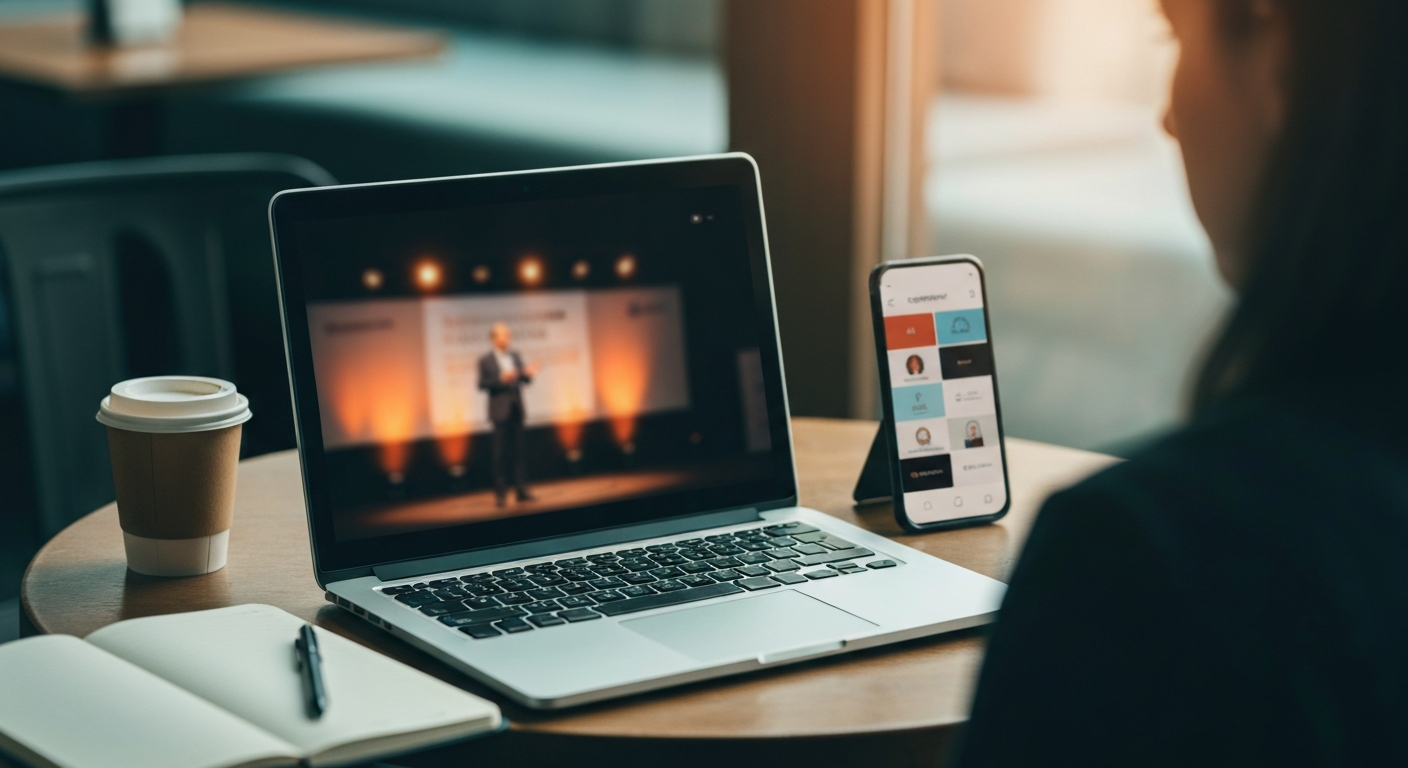
The live feed is not only for the in-room audience. The remote viewer is the harder case, because she does not have the room energy to compensate for confusion. She is watching the broadcast on a screen, often half-attending while she works.
For the remote viewer, the live feed turns a linear broadcast into a searchable experience. She can read the segment headlines while the broadcast plays and decide whether to look up. She can tap a navigation title to jump backward to a moment she missed. She can pull a quote without scrubbing the video timeline.
At the Atlas Award broadcast, the 138 navigation titles changed the experience for the online audience specifically. The viewer at home was no longer hostage to the linear timeline. She could move through the ceremony as freely as she would move through an article.
What Attendees Do Not See
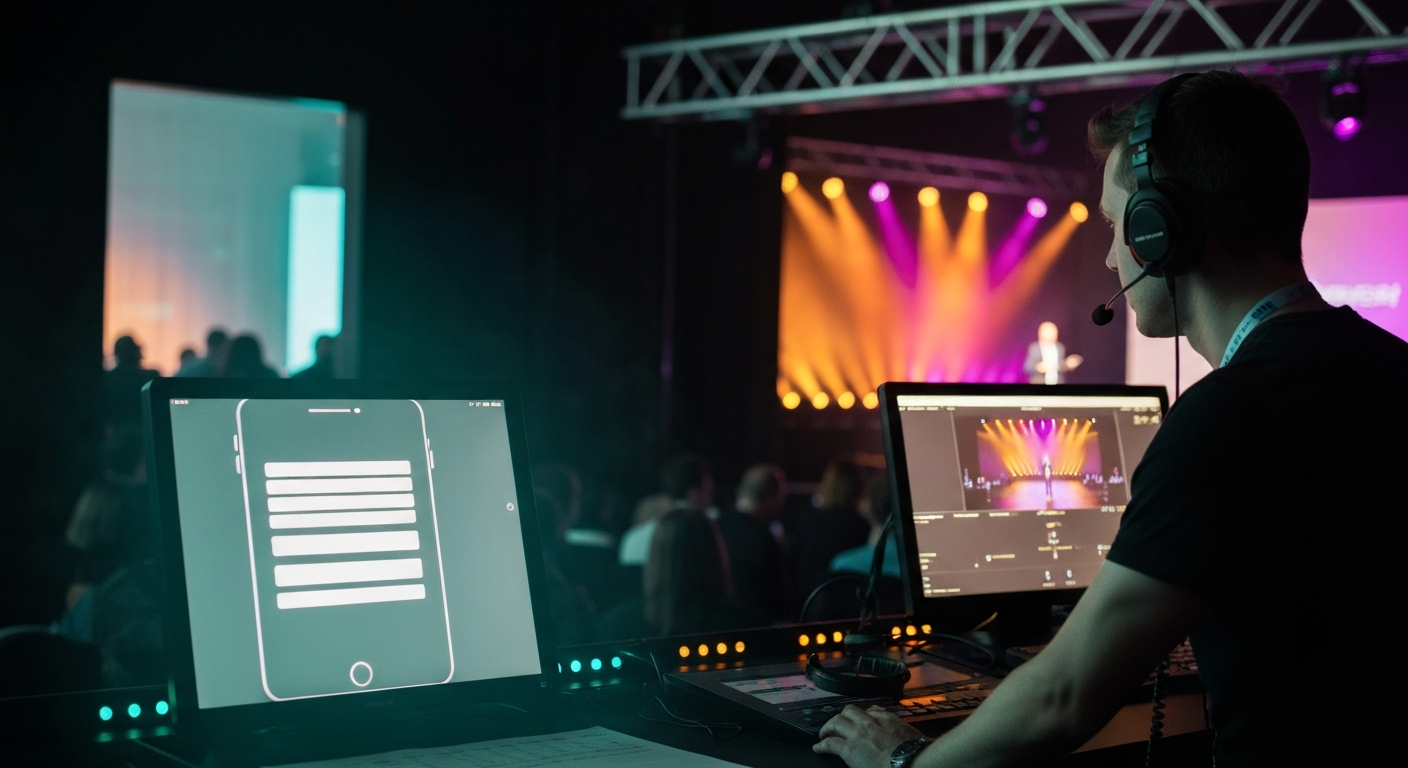
The live feed looks autonomous to the attendee. It is not. Every layer the attendee sees has a human production team behind it at the side-stage workstation, running the live system, watching for edge cases, and approving the outputs before they hit the feed.
The attendee does not see the operator catching a misattributed quote and reassigning it to the right speaker. The attendee does not see the editor flagging a moment for the Speaker Kit pipeline. The attendee does not see the producer rerouting a segment headline that did not capture the speaker actual point.
This is by design. The live feed earns the attendee trust because it ships clean. The clean output requires the human review layer behind the surface. Live feeds that ship without it tend to fail visibly within twenty minutes of the first session, and once the attendees stop trusting the surface, the failure is irreversible for the rest of the event.
What the Live Feed Becomes After the Event
The live feed is not deleted when the room empties. The same transcript, headlines, topic navigation, and quote capture roll forward into the conference Showroom as the post-event destination. The attendee who used the live feed during the session can return to the same surface six weeks later, find the segment she remembered, and pull the moment she wanted to share.
The live feed and the post-event Showroom are the same content product seen at two different times. During the event it is a phone companion. After the event it is a citable destination.
Related Terms
- Conference Media Infrastructure
- Live Captioning for Conferences
- Live Navigation Titles for Events
- Four Pillars of Conference Infrastructure
- How to Produce Conference Content Live
Related Questions
- What is the difference between a conference live feed and a conference registration app?
- How does the live feed handle a speaker who paces or names the captioning system did not learn?
- Why does the live feed need a human review layer in real time?
- Can attendees use the live feed without downloading a separate app?
- How do navigation titles get generated while the session is still running?
- What does the live feed look like for remote viewers who are not in the room?
- How does the live feed roll forward into the post-event Showroom?
- What is the AI chat layer grounded in, and what does it refuse to answer?
Want to see how this works on your footage?
Let's connect