How to Produce Conference Content Live, Without Disrupting the Event
Sam
Content Writer, Speechbox
How to Produce Conference Content Live, Without Disrupting the Event
Short answer: Live conference content production runs in parallel with the event itself, from a side-stage workstation that taps the existing broadcast feed. Layers go live one at a time, each tested with the production team during dress rehearsal, so by the time the cameras roll, the team is operating a system the room has already exercised. At the Atlas Award ceremony at the Tel Aviv Stock Exchange this year, the Israeli Business Channel production team ran live navigation, Speaker Kits, and a 542-asset social pipeline in parallel with a two-hour broadcast, and the ceremony itself ran on its existing call sheet without a single adjustment to the run-of-show.
The key constraint is non-disruption. A production model that requires the AV team to change its workflow, the stage manager to rebrief speakers, or the broadcast truck to add a new signal path is a model that gets cut from the run-of-show three days before the event. The model that survives is the one that taps an existing signal, runs on its own workstation, and is operated by one or two people who do not need a seat in the broadcast truck.
The Two Production Models, Side by Side
The traditional model treats live and post-event as a sequence. The ceremony runs. The recording goes to an editor. The editor cuts highlights over the next week. The team distributes assets two to three weeks after the event, by which time the conversation has moved on.
The live production model treats the event as the production. The same stream that powers the broadcast is the source for navigation titles, Speaker Kit segments, and social assets. The team that operates the live system sits at a side-stage workstation, watches the stream like a director, and routes outputs as the event unfolds. By the time the lights come up in the room, the deliverables have already been generated. The post-event work that remains is curation, not creation.
What the Production Workflow Actually Looks Like
A live production run for a multi-hour conference broadcast has five working stages. Each stage is set up before the event so the live run is operation, not configuration.
1. Signal tap. The live system taps the existing broadcast feed at a defined point in the signal chain. This is the same feed the broadcast truck is already producing, so no new signal path is created. The tap is read-only. The production team cannot affect the broadcast even by mistake.
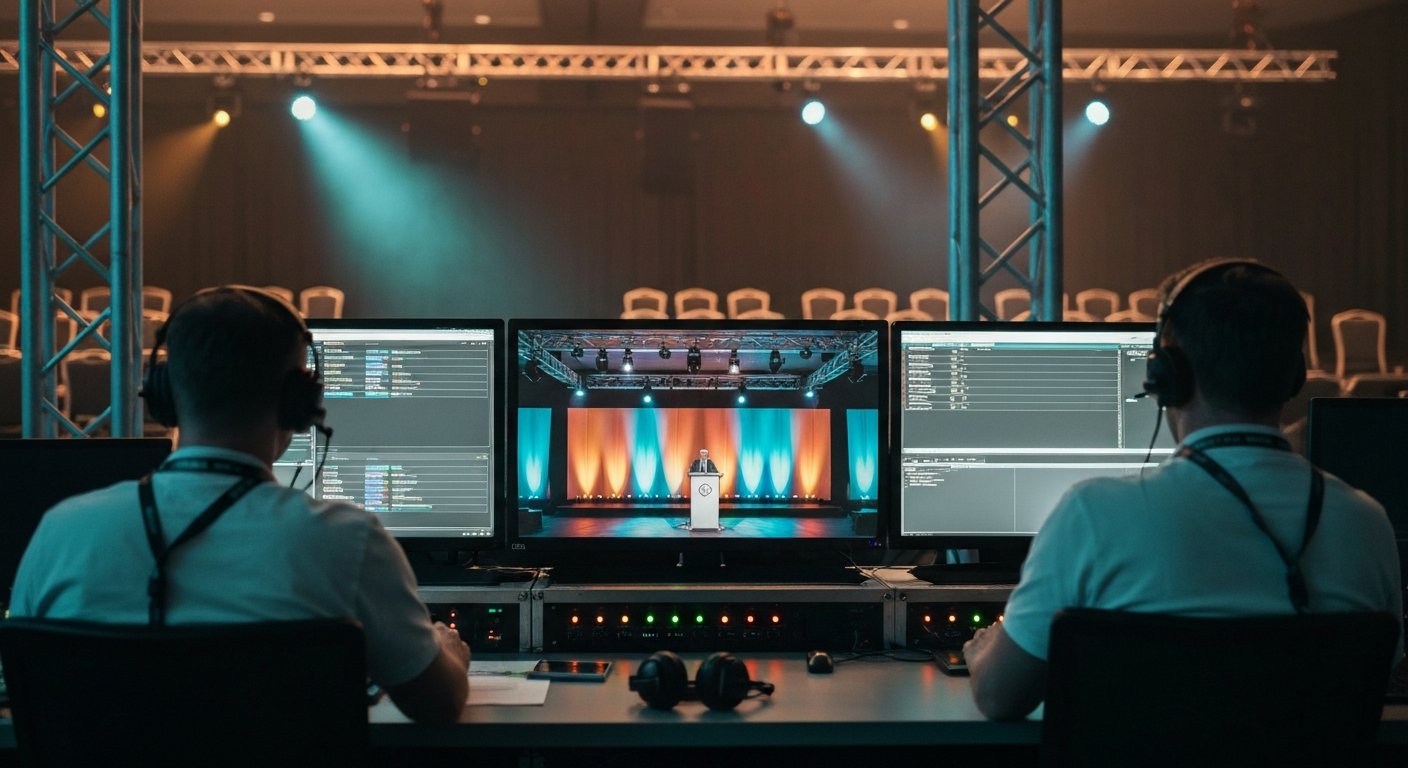
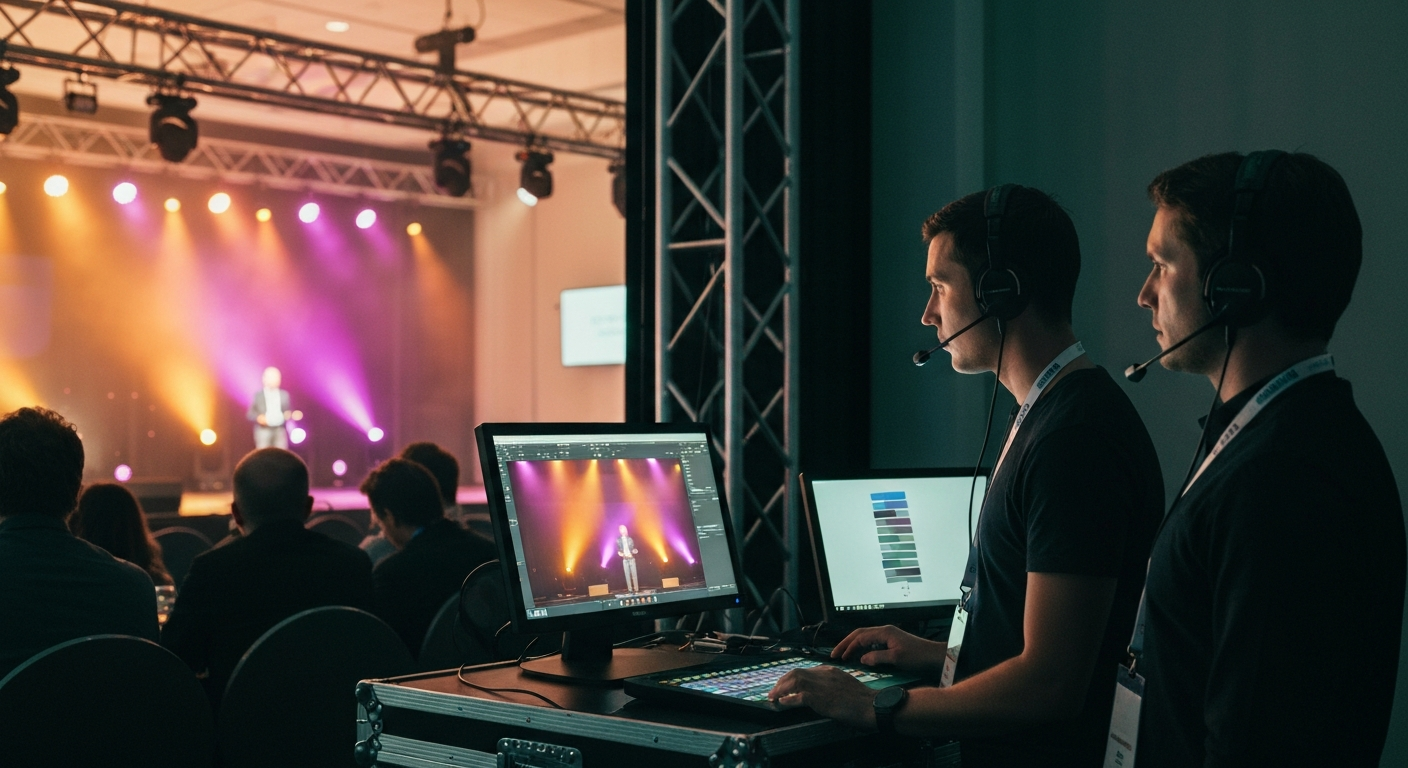
2. Side-stage workstation. One or two operators run the live system from a workstation that sits side-stage or in the press room, not inside the broadcast truck. The workstation has its own audio monitoring, its own visual monitoring of the live feed, and its own controls for the live outputs. The broadcast truck does not need a station for it.
3. Layered deployment during dress rehearsal. Each layer of the live system is brought online one at a time during the dress rehearsal, in this order: live captions first, navigation titles second, Speaker Kit segmentation third, social asset pipeline last. Each layer is exercised end-to-end against the rehearsal stream before the next is added. By the time the cameras go live, every layer has been operated on the real room with the real signal.
4. Live operation. During the event, the operator role is monitoring, not driving. The system runs autonomously on the live stream. The operator watches for edge cases such as a speaker change the system did not catch, a name pronunciation that needs correction, or a moment that needs to be flagged for the Speaker Kit pipeline. Most of the operator time is spent confirming that the pipeline is running clean.
5. Same-evening handoff. As the event concludes, the deliverables are already generated. The Speaker Kits are ready for the honorees, the navigation titles are already on the recorded asset, and the social library is queued for the marketing team. The handoff is delivery, not production.
What Makes the Model Non-Disruptive
Three operational rules keep the live production model out of the run-of-show.
No new signal path. The system taps the existing broadcast feed. The AV team does not add a route, the broadcast truck does not add a station, and the stage manager does not change a single call.
No speaker brief change. Speakers are not asked to repeat names, to slow down, or to face a specific direction. The live system works on the same stream a viewer sees. If the broadcast captures the moment, the system captures the moment.
No live edits to the room. The live outputs are read-out streams. The system does not push graphics to the in-room display, does not interrupt the program audio, and does not require a producer call. The live operator is observing, not directing.
The room runs its event. The production runs alongside it.
Why Dress Rehearsal Matters More Than the Event
The single most important production hour is the dress rehearsal. Every layer of the live system is brought online against the rehearsal feed. Captions go on first because they are the easiest to verify in real time. Navigation titles go on second because they require a working caption layer to anchor against. Speaker Kit segmentation goes on third because it requires speaker identification, which the rehearsal exercises directly. Social asset generation goes on last because it depends on everything above.
By the end of the dress rehearsal, the system has run against the actual lighting, the actual mic configuration, the actual speaker rotation, and the actual stage timing. The team has seen the live outputs render against the real signal. The first time the layered system runs against the live broadcast is not the first time it has been operated.
This is why most attempts at live conference content fail. They are not failing on the broadcast. They are failing because the team skipped the dress rehearsal as a production rehearsal, and the live event became the first integration test.
What Gets Delivered Same-Evening
A live production run completes its work with the event itself. The deliverables ready at lights-up are:
- Speaker Kits. One personalized kit per featured honoree, with the speaker segment, transcript, branded quote cards, and three-aspect-ratio cuts. Ready for handoff in the venue lounge, not shipped a week later.
- Navigation titles. A complete set of time-point markers across the recorded asset, already attached to the broadcast file, ready for the on-demand player without a manual editing pass.
- Social asset library. A first batch of quote cards, vertical clips, and language variants, queued for the marketing team to start posting the same evening. The full library compounds over the following 24 hours.
- Clean transcript and segmentation. The full event transcript with speaker labels, ready for the editorial team to repurpose into long-form pieces without manual transcription.
The Atlas Award ceremony shipped its full content footprint the same evening. The Speaker Kits were in the honorees' hands before the venue closed. The Israeli Business Channel team had a 542-asset social library queued before they had finished their post-event coffee.
Related Terms
- Conference Media Infrastructure
- Live Captioning for Conferences
- Live Navigation Titles for Events
- Live vs Post-Event Conference Content
- Four Pillars of Conference Infrastructure
Related Questions
- What is the difference between a live conference content production model and a traditional post-event editing workflow?
- How does a side-stage workstation tap into the existing broadcast feed without adding a new signal path?
- Why does the layered dress rehearsal matter more than the live event itself for live content production?
- What deliverables are ready by the time a live conference broadcast ends?
- Can a venue AV team or broadcast truck operate live conference content production in-house?
- How does live captioning fit into the broader live content production stack?
- What goes into a Speaker Kit and how is it generated in real time during an event?
- How do live navigation titles differ from post-event chapter markers?
Want to see how this works on your footage?
Let's connect