How to Make an Event Recap Video Without Waiting Weeks
Sam
Content Writer, Speechbox
How to Make an Event Recap Video Without Waiting Weeks
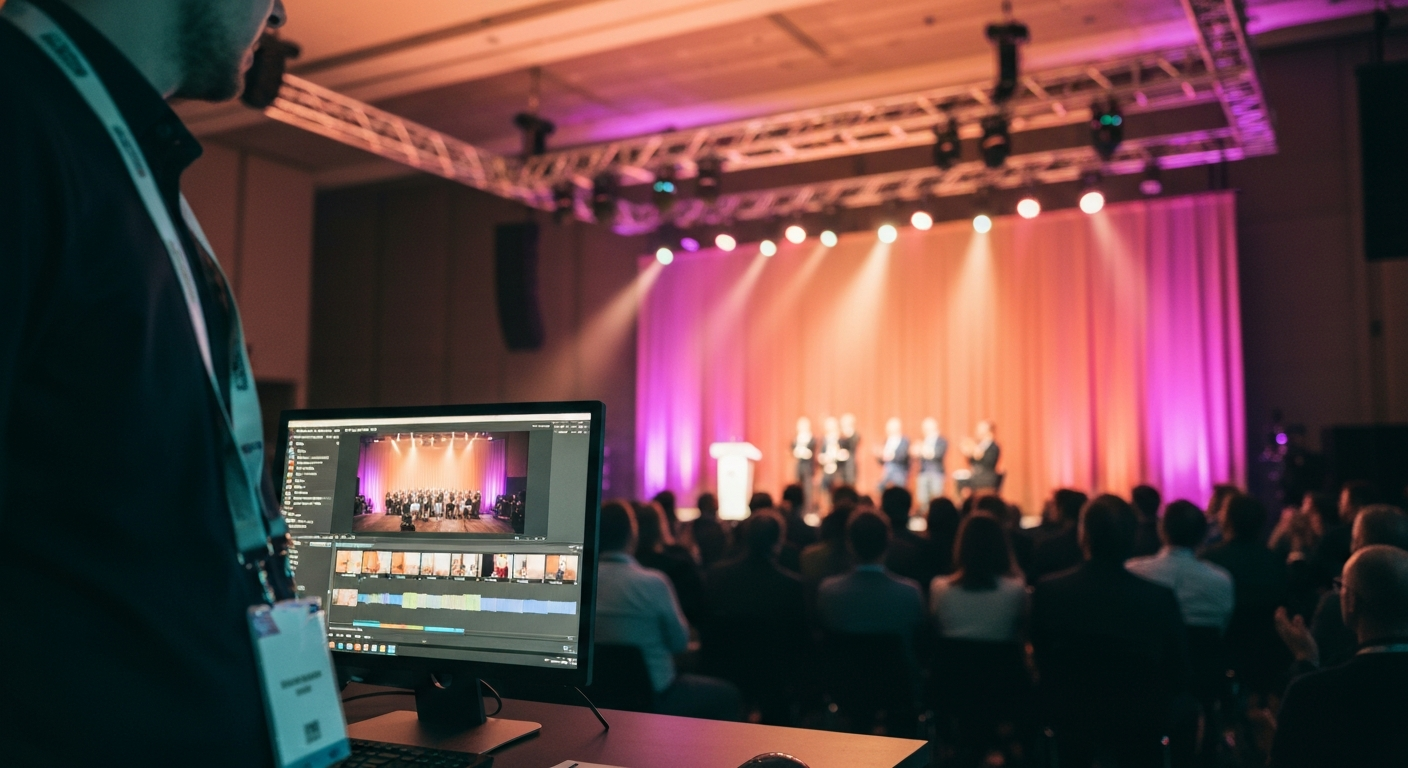
Short answer: an event recap video is a 60 to 90 second highlight that captures what an event felt like, built from the strongest moments of the footage with captions, music, and a clear opening hook. The standard way to make one is to film during the event, hand the footage to an editor, and ship a cut a week or two later. The recap video that actually performs is produced from the live footage during the event, so it lands while people are still talking about it instead of after the moment has passed.
This is the guide for event organizers and content producers deciding how to make a recap video, what goes in it, and when it needs to be ready.
What an event recap video is
A recap video is the emotional through-line of an event compressed into a clip short enough to hold attention. Sixty to ninety seconds is the working range. Long enough to carry a narrative, short enough that a viewer who was not in the room watches it to the end.
It is not the full session recording, and it is not a documentary. It is the trailer. The job is to make someone who missed the event feel the energy of it in under two minutes, and to give the people who were there something they are proud to share from their own accounts.
The structure that works
Most strong recap videos follow the same shape. The structure is not the hard part. Holding to it under a tight timeline is.
Opening hook (0 to 10 seconds)
The single strongest shot or line of the entire event. A packed room, a standout quote, a moment of reaction. The first three seconds decide whether the rest gets watched.
Build the momentum (10 to 30 seconds)
Set the scene and the stakes. Who was there, what it was about, why it mattered. Fast cuts that establish scale without slowing down.
Peak moments (30 to 60 seconds)
The defining beats. The quotable lines, the announcements, the reactions. This is the section people replay and the part that earns the share.
Close and call to action (final 10 seconds)
Land on a strong final shot, the event logo, and one clear next step. Register for next year, watch the full sessions, or follow for more.
Two technical rules separate a recap video that travels from one that gets scrolled past. Caption everything, because most social viewing happens silently on a phone. And cut to the music, because pacing carries a short video more than any single shot does.
Why most recap videos miss the window
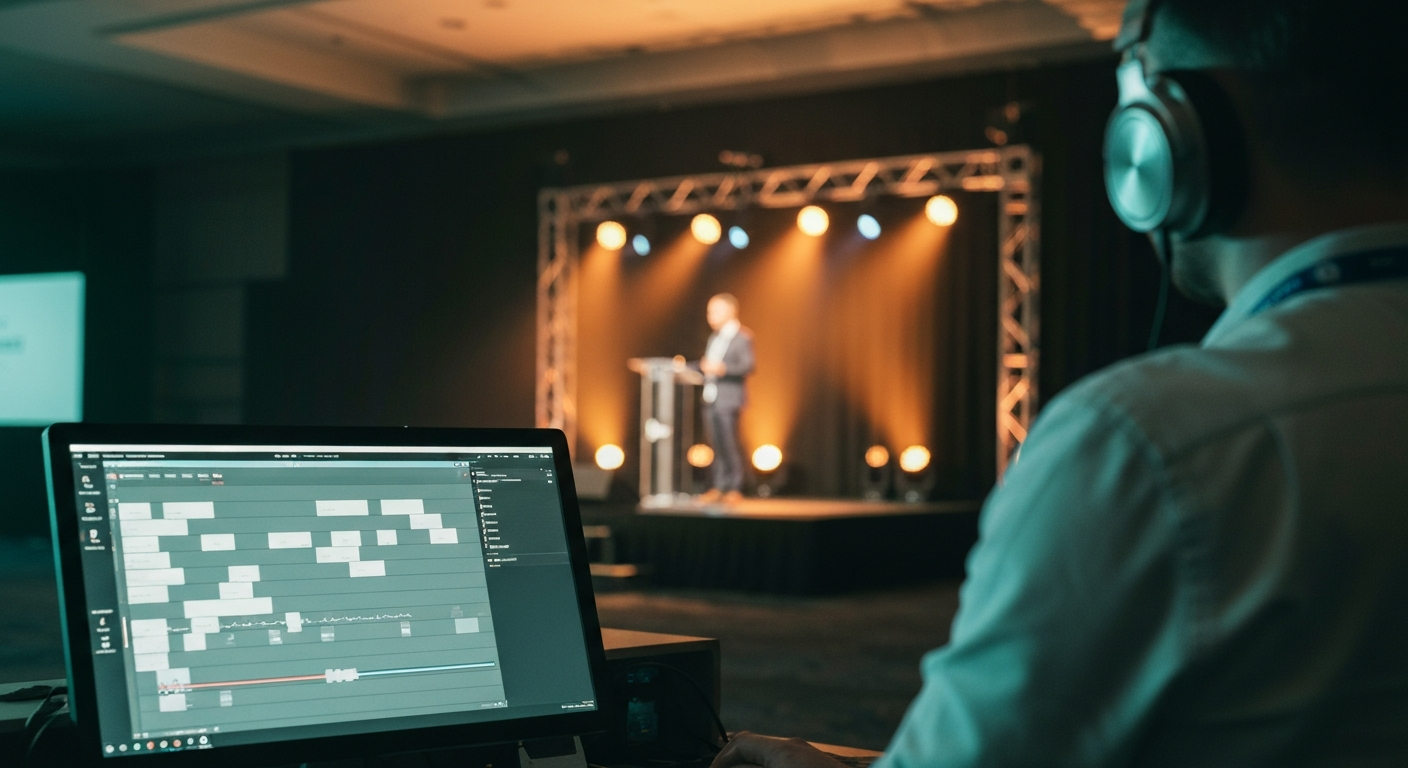
The default model treats the recap video as a post-event project. The event ends, the footage gets handed to an editor, and a polished cut appears a week or two later. By then the attention the event generated has already moved on to the next thing.
The trending window for an event is short. The room talks about it for about a day, the wider audience for a few days, and then it is over. A recap video that ships two weeks later is competing for attention that no longer exists. It can be the most beautiful cut of the year and still produce nothing, because it arrived after the window closed.
This is the part the search results quietly skip. Most guides on making a recap video are really guides on editing one well, and they assume editing is the bottleneck. For a single small event, it is. For anything at scale, the bottleneck is timing, and a better editor does not fix a timing problem.
Produce the recap video live, not after
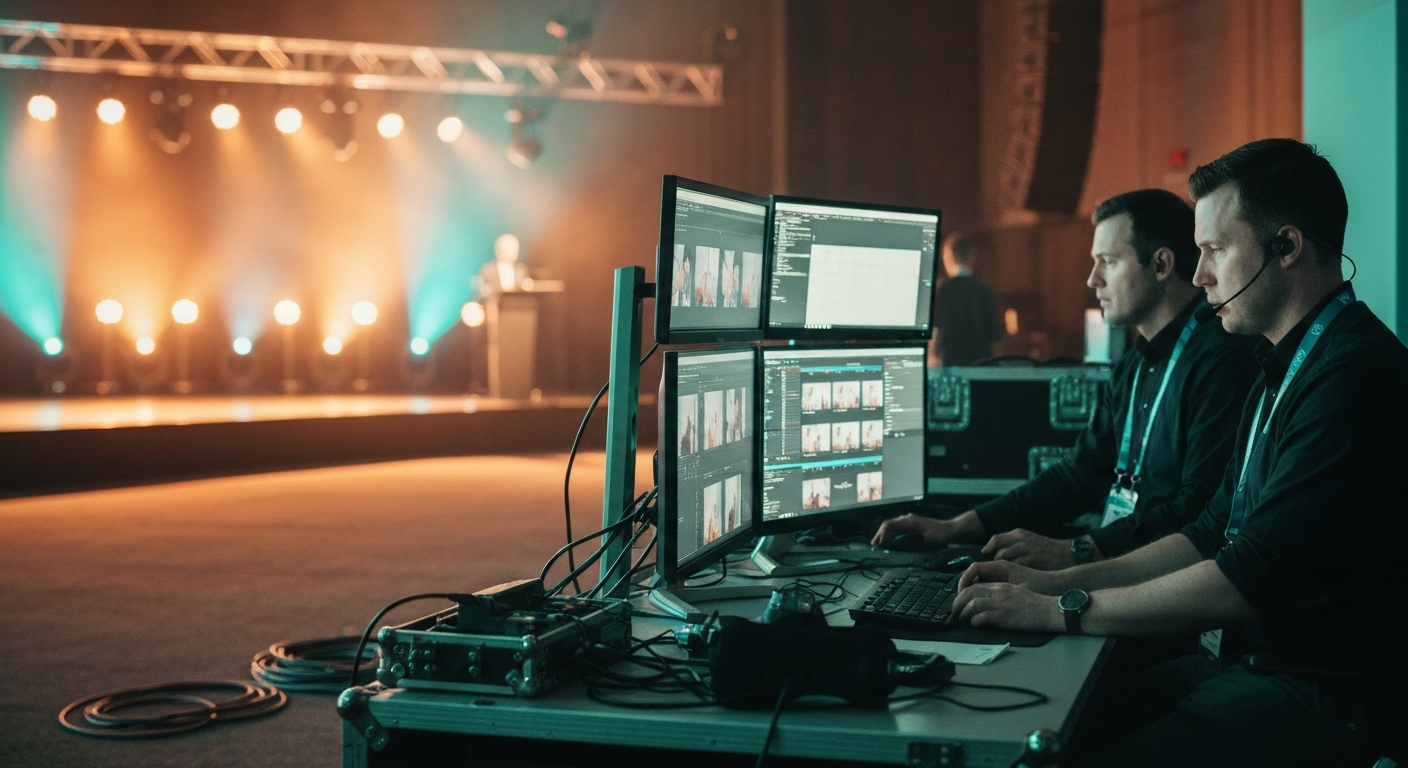
The way around the timing problem is to stop treating the recap as something that begins when the event ends. When the recap is built from the live footage spine as the event runs, the cut exists before the room empties.
Producing the recap video live changes three things inside the same event. The first is timing: the cut ships inside the trending window instead of after it. The second is volume: the same processed footage feeds the highlight video, vertical clips for each platform, and quote cards in parallel, so a two-hour event produces a full set of assets rather than one reel. The third happens before the cameras roll. A recap produced live has to be exercised against the room during dress rehearsal, so the live event is never the first integration test. The work moves upstream, out of post-production and into preparation.
The contrarian position
The bottleneck on an event recap video is not editing skill. It is timing.
A technically average cut shipped the same night beats a cinematic cut shipped in two weeks, every time, because the second one arrives after the conversation has ended. The market sells the opposite belief. The studios and template makers in the search results all compete on polish, because polish is what they can sell. Polish helps. It is not what decides whether the recap video does its job.
That reframe changes how a recap video gets planned and budgeted. If the recap is a post-event project, it competes for editor time, it ships late, and it lands after the window. If the recap is an output of the event, it is produced from the same footage spine in real time and ships while the moment is still alive. The first model treats the recap as cleanup. The second treats the event as the production line and the recap video as the first thing that comes off it.
Live footage spine
Sessions processed as they run
Recap cut live
Highlight assembled during the event
Shipped same evening
Published inside the trending window
Shared by the room
Speakers and attendees amplify it
Live footage spine
Sessions processed as they run
Recap cut live
Highlight assembled during the event
Shipped same evening
Published inside the trending window
Shared by the room
Speakers and attendees amplify it
How to make yours
There are two honest paths, and scale decides which one fits. For a small single-track event, a written shot list plus a freelance editor produces a competent recap video, as long as someone owns the timeline and accepts that the cut will trail the event by a few days.
For a high-volume event with many sessions, many speakers, and a remote audience, the film-then-edit model breaks. The volume of clips and the length of the window do not line up with hand editing. That is the point where the recap video has to be produced from a live footage pipeline rather than assembled afterward. The deciding question when comparing any recap approach is simple. Does it produce the video during the event, or only after it.
For the full picture of what a recap includes beyond the video, see the event recap guide. For turning one event into a full content set, see how conferences repurpose session content. For how the recap fits the larger operating model, see conference media infrastructure.
Related Terms
- Event Recap: How to Capture, Write, and Share Your Event
- How Conferences Repurpose Session Content
- Live Navigation Titles for Events
- The Four Pillars of Conference Infrastructure
- What Is Conference Media Infrastructure?
Related Questions
- What is an event recap video?
- How long should an event recap video be?
- How do you make an event recap video?
- What should an event recap video include?
- When should an event recap video be published?
- How do you make a recap video without waiting weeks for editing?
- What is the difference between a recap video edited after the event and one produced live?
- How do you produce an event recap video at scale for a multi-session conference?
Want to see how this works on your footage?
Let's connect