Event Recap: How to Capture, Write, and Share Your Event
Sam
Content Writer, Speechbox
Event Recap: How to Capture, Write, and Share Your Event
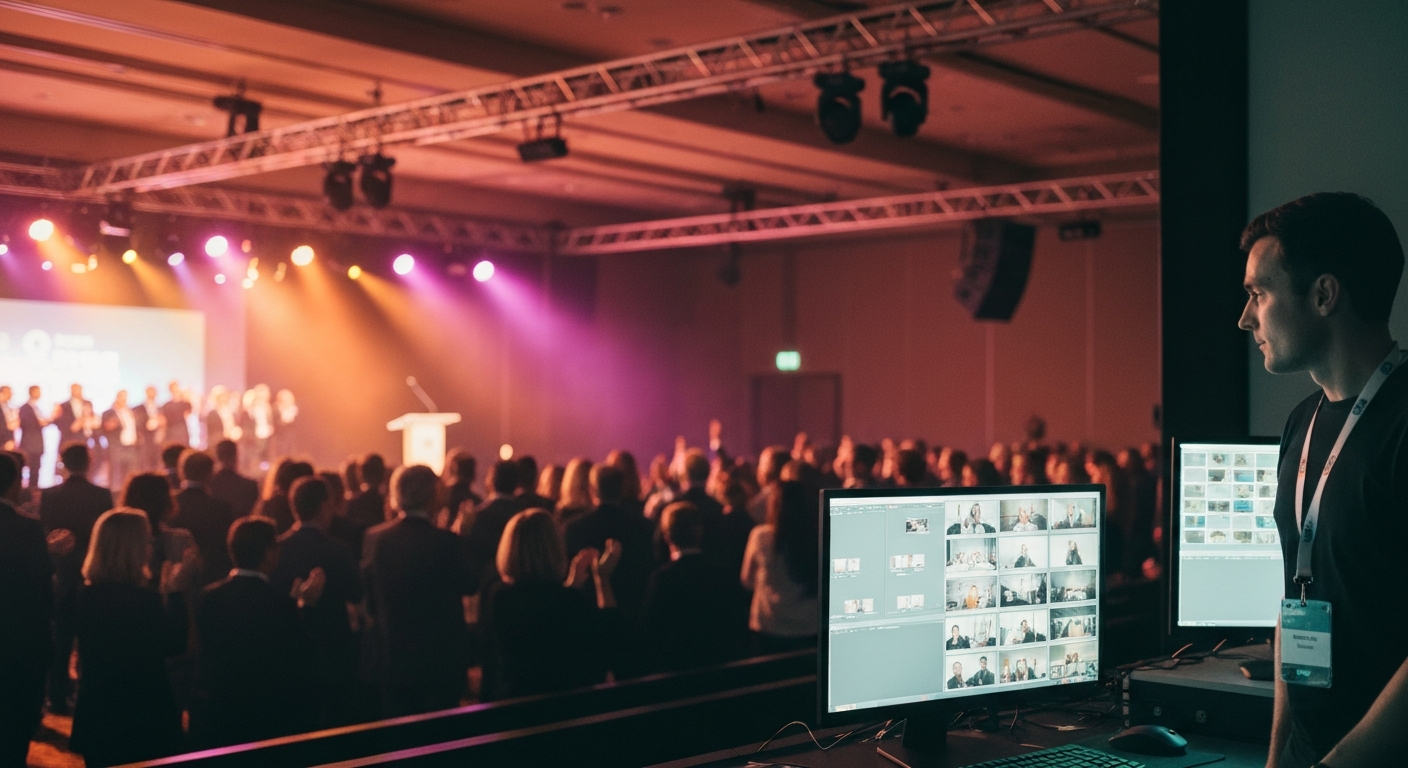
Short answer: an event recap is the record of what happened at an event, packaged and shared after the doors close. It takes four forms that work together. A written summary, a highlight video, a set of social-ready clips, and a navigable archive people can search. The recap that performs is not the one written best the next morning. It is the one produced during the event, so it ships while the moment is still trending.
This is the reference for event organizers and content producers deciding what their recap should include, what each format is for, and when it actually needs to be ready.
What an event recap actually is
A recap is not a single deliverable. It is the bundle of artifacts that let two different audiences do two different things. The people who were in the room want to relive the moment and share it. The people who were not there want to catch up in minutes without watching hours of footage.
A strong recap serves both. The written summary gives a reader the outcomes in 90 seconds. The highlight video gives the emotional through-line of the event in two minutes. The social clips give speakers and sponsors something to push from their own accounts. The navigable archive turns the full recording into something searchable instead of a passive playlist nobody scrubs.
When people ask what an event recap looks like, the honest answer is that it looks like all four of those at once, tied to the same source footage, not four disconnected tasks handed to four different people two weeks apart.
The four outputs of a modern recap
The highlight video
The two-minute through-line of the event. The moments that defined the room, cut and captioned. This is the artifact people share first and the one that carries the event past the venue.
The social asset set
Quote cards, vertical clips, and framed highlights in the aspect ratios each platform needs. The supply that speakers and sponsors push from their own channels while the event is still trending.
The navigable archive
The full recording made searchable with topic markers and speaker labels, so a viewer jumps to the exact moment they want instead of scrubbing a 14-hour timeline.
Same-window delivery
The recap that ships the same evening, not the same month. Delivery speed is a format decision, not an afterthought, because the trending window closes in roughly 24 hours.
Why most event recaps arrive too late
The default operating model treats the recap as a post-event project. The event ends, the footage gets handed to an editor, and a week or two later a highlight reel and a blog post appear. By then the audience attention that the event generated has already moved on.
The trending window for an event is short. The room talks about it for 24 hours, the wider audience for a few days, and then the next thing takes over. A recap that lands two weeks later is competing for attention that no longer exists. The asset can be technically excellent and still produce nothing, because it arrived after the window closed.
That is the part traditional event production quietly skips. The recap is treated as cleanup work that happens after the real event, when the value of the recap is highest in the hours immediately after the last session, and decays fast from there.
What goes in a strong event recap
The structure that holds up across written, video, and social is the same. Lead with the moment, not the agenda. State the outcomes a reader cares about, name the people who said the things worth quoting, give a way to navigate to more, and point to what comes next.
The defining moment
Open with the single moment that mattered most, not a chronological list of what happened. The recap is judged in the first three seconds the way the event was judged in its best 90 seconds.
The outcomes that count
The numbers and decisions a reader will repeat to a colleague. What was announced, who won, what changed. Specifics, not a description of the vibe.
Named speakers and quotable lines
Attribution by name and role, with the verbatim line. A recap full of generic praise gets ignored. A recap with a named person saying something specific gets cited and shared.
A way in and a way forward
A navigable index so a reader goes deeper on the part they care about, and a clear pointer to the next event or the next step. The recap is the bridge between this event and the next one.
The question organizers often ask, what are the five things a recap needs, collapses into one principle. Every element above exists to be found and repeated by someone who was not in the room. If an element does not help that person catch up or share, it is filler.
What changes when the recap is produced live
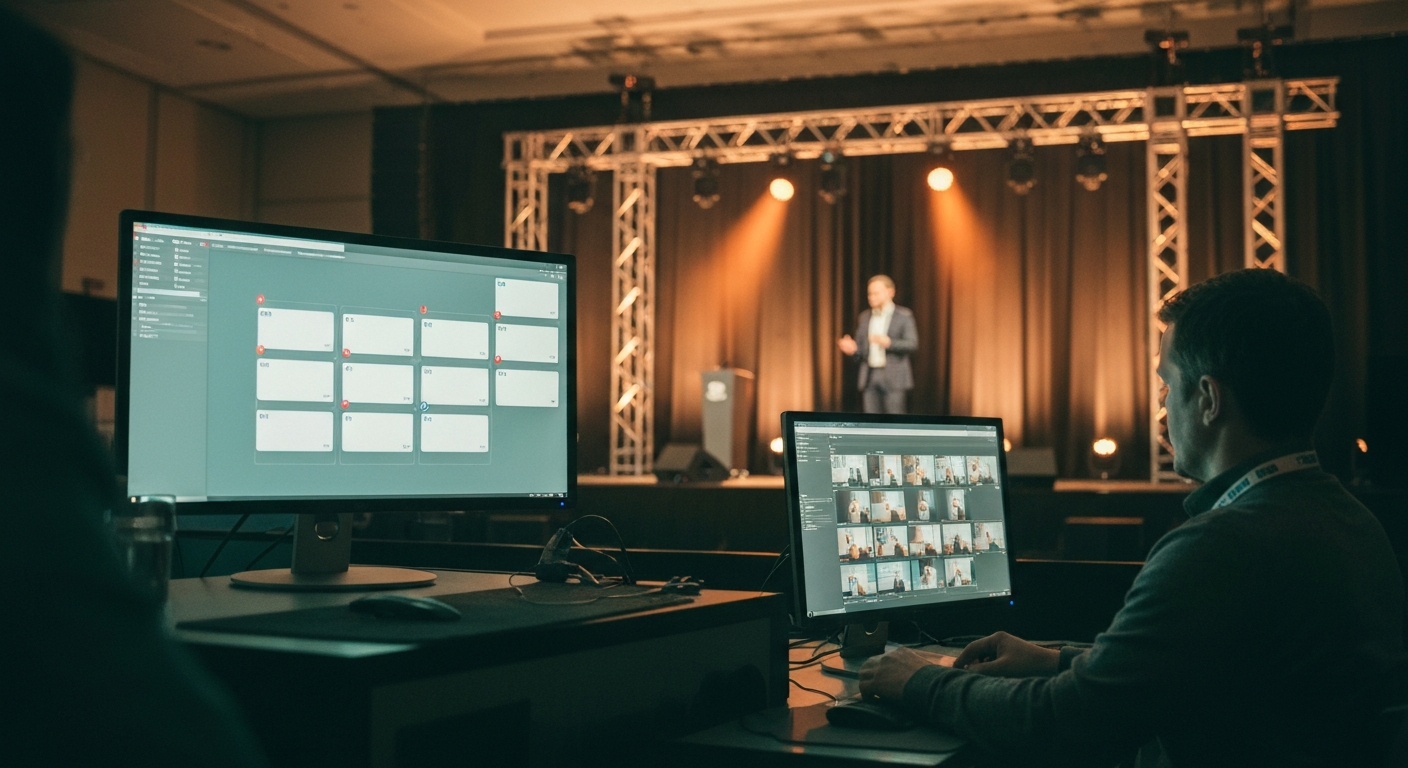
When the recap is produced from the live footage spine instead of assembled afterward, three things change inside the same event.
The first is timing. The highlight cuts, the captioned clips, and the speaker packages exist as the event runs, not in an editor queue the following week. They ship inside the trending window rather than after it has closed.
The second is volume. A two-hour event with multiple speakers can produce hundreds of distinct social-ready assets, because the same processed footage feeds quote cards, vertical clips, and framed highlights in parallel. By hand, that volume takes weeks. From a live pipeline, it is a byproduct of the event itself.
The third happens before the event. A recap produced live has to be exercised before the cameras roll. The pipeline gets tested against the actual room during dress rehearsal, so the recap is never an experiment run on the live audience. The work moves upstream, out of post-production and into preparation.
The deeper shift is budgetary. Teams that produce the recap live stop paying for a multi-week post-production cycle. The event becomes the production line, and everything after it is distribution.
The contrarian position
The recap is an output of the event, not a project that starts after it. That single reframe changes everything about how a recap is planned and budgeted.
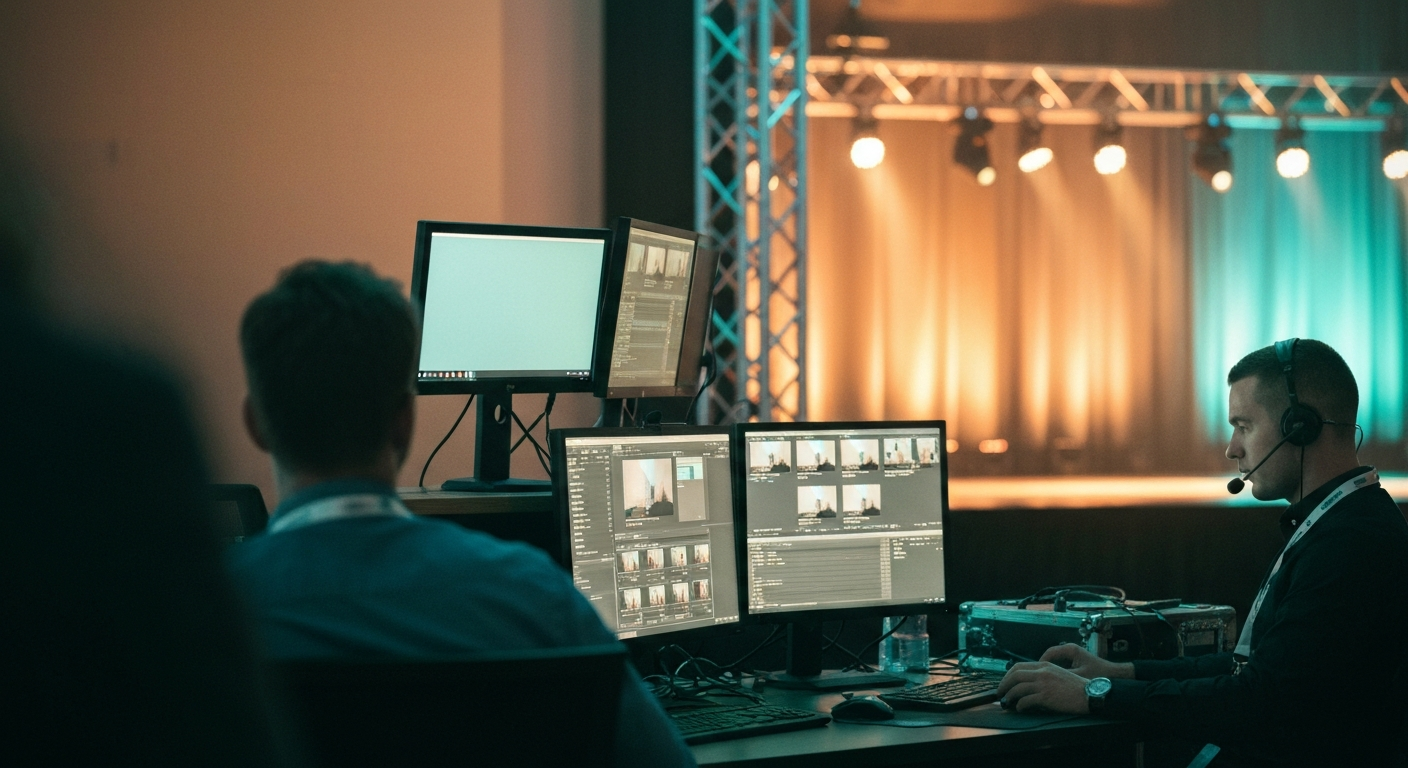
If the recap is a post-event project, it competes for editor time, it ships late, and it lands after the trending window. If the recap is an output of the event, it is produced from the same footage spine in real time and ships while the moment is still alive. The first model treats the recap as cleanup. The second treats the event as the production line and the recap as what comes off it.
Most of the market still sells the first model. The blog templates, the highlight-reel editors, the video studios in the search results all assume the recap begins when the event ends. The organizers who get the most out of their events have stopped accepting that assumption.
Live footage spine
Sessions processed in real time
Recap produced live
Assets ready as the event runs
Shipped in the window
Published while the moment trends
Shared by the people in it
Speakers and sponsors amplify
Live footage spine
Sessions processed in real time
Recap produced live
Assets ready as the event runs
Shipped in the window
Published while the moment trends
Shared by the people in it
Speakers and sponsors amplify
How to produce your recap
There are two honest paths, and the right one depends on scale. For a small event with a single track, a written template plus a freelance editor can produce a competent recap, as long as someone owns the timeline and accepts the recap will trail the event by a few days.
For a high-volume event, multiple sessions, many speakers, a remote audience, the template-and-editor model breaks. The volume of clips, captions, and kits is too high to produce by hand inside the trending window. That is the point where the recap has to be produced from a live footage pipeline rather than assembled afterward. The deciding question when comparing any recap approach is simple. Does it produce the recap during the event, or only after it.
For the mechanics of turning one event into a full content set, see how conferences repurpose session content. For how the recap fits the larger operating model, see conference media infrastructure and the four pillars of conference infrastructure.
Related Terms
- How Conferences Repurpose Session Content
- What Is Conference Media Infrastructure?
- What Is a Speaker Kit?
- The Four Pillars of Conference Infrastructure
- Live Navigation Titles for Events
Related Questions
- What is an event recap?
- What does an event recap look like?
- How do you write a recap of an event?
- What are the key elements of a strong event recap?
- What is an event recap video?
- How do you make an event recap video?
- When should an event recap be published?
- What is the best way to produce an event recap at scale?
Want to see how this works on your footage?
Let's connect